Video prompt library
AI Video Prompt Library
Copy AI video prompts for text to video, image to video, product demos, avatar videos and short ad clips. Each prompt starts with a concrete business use case, so users can test faster and refine the result in PixelMind.

Commercial video workflows
Prompts for clips that can support real campaigns
Video prompts work better when they are tied to a job: sell a product, explain a benefit, animate a still, or create a scroll-stopping test for paid social.
Product demo videos
Show turntable motion, close-up details, realistic reflections and final hero shots for ecommerce pages and marketplace clips.
Social ad creatives
Write prompts with a fast opening hook, clear product benefit, text-safe space and a final frame that can carry a call to action.
Image-to-video campaigns
Start from a product photo, portrait or landing page visual, then animate it with controlled camera movement instead of rebuilding the scene from scratch.
Avatar and explainer clips
Create presenter-style clips, product walkthroughs and founder intros with a clean background, confident tone and subtle natural gestures.
Copy and generate
Reusable prompts for video workflows
Start with a prompt that names the use case, camera motion and output format. Then generate a first clip and iterate toward a more realistic, more cinematic or more commercial version.
Text To Video Prompts
Create a clip from a written scene
A cinematic 8 second video of a premium product launch, slow push-in camera movement, clean studio background, soft rim light, smooth motion, commercial advertising style
A vertical social video of a city cafe at sunrise, warm light through windows, slow handheld camera movement, cozy atmosphere, realistic details, high retention opening shot
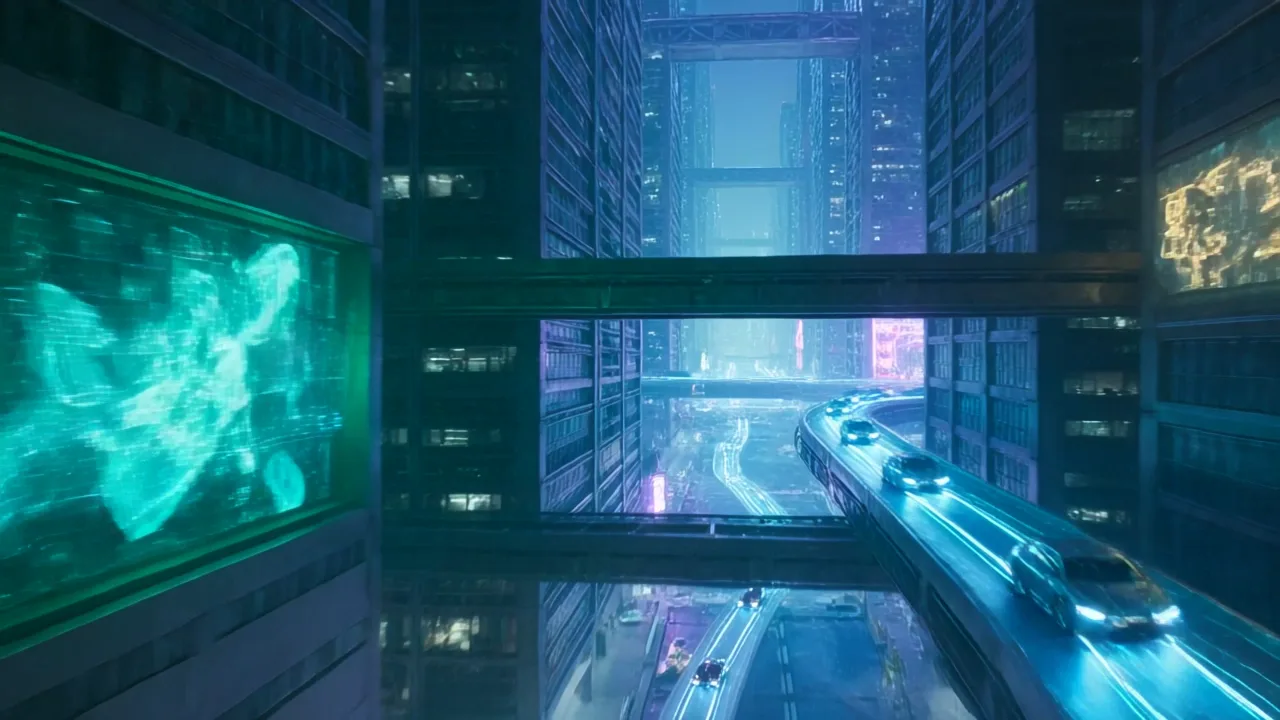
A futuristic technology concept video with a sleek device floating above a dark reflective surface, blue accent lighting, subtle particles, smooth orbit camera
Image To Video Prompts
Animate a still product, portrait or artwork
Animate the uploaded product photo with a slow 180 degree turntable motion, soft studio light, realistic reflections, stable product shape, clean ecommerce video
Bring the uploaded portrait to life with subtle head movement, natural blinking, soft background motion, professional lighting, realistic cinematic look
Animate the uploaded interior design image with gentle sunlight movement, slight camera push-in, soft curtain motion, realistic shadows, calm premium atmosphere
Product Video Prompts
Ecommerce demos, marketplace clips and launches
A clean ecommerce product video of a skincare bottle rotating on a white studio surface, soft shadow, close-up label detail, minimal premium brand style
A marketplace demo video for wireless earbuds, case opens smoothly, earbuds lift slightly, glossy reflections, bright commercial lighting, crisp product details
A luxury perfume reveal video on black marble with gold reflections, slow camera orbit, misty light beams, elegant shadows, premium fragrance campaign
Ad Video Prompts
Short clips for landing pages, TikTok, Reels and paid ads
A 15 second social ad video for a small business product, fast opening hook, product benefit shown visually, clean text-safe space, premium lighting, final hero shot
A vertical fitness app ad video, energetic camera movement, quick before-and-after rhythm, bright gym lighting, clear action shots, modern mobile-first composition
A direct response ecommerce ad video showing a problem, product solution, close-up details and final call-to-action scene, polished commercial look
Prompt formula
How to write better AI video prompts
A strong video prompt gives the model a subject, a movement, a visual style and a practical output format.
Subject
Name the product, person, place or uploaded image you want to animate.
Motion
Specify push-in, orbit, turntable, handheld, slow zoom, reveal or subtle background movement.
Style
Add commercial, cinematic, realistic, premium, social ad, ecommerce or documentary language.
Format
Mention vertical ad, square social clip, landing page hero, marketplace demo or product launch.
Video quality and safety
Keep commercial videos focused and reviewable
Strong AI videos usually come from simple motion, clear product context and a final human review before the clip is used in a store, ad or client workflow.
Anchor important products with an image
When product accuracy matters, generate or upload the still image first, then use image-to-video to keep the shape and brand cues more stable.
Keep motion simple
Short prompts with one main camera move usually produce cleaner commercial clips than prompts asking for too many actions at once.
Review every ad before publishing
Check product claims, text overlays, faces, logos and marketplace policies before using an AI video in paid campaigns or client work.
Next steps
Turn prompts into a reusable video loop
Generate the clip, publish strong examples, collect proof, then feed the best prompt patterns back into future landing pages.
Generate Video
Paste a prompt into PixelMind video mode and create the first clip.
Video Gallery
Browse public video examples and reuse directions that already worked.
Product Photo Generator
Create the still product image first, then animate it with image-to-video.
Public Proof
Turn high-rated results and feedback into reusable proof for future visitors.
AI video prompt FAQ
What is an AI video prompt?
An AI video prompt describes the subject, motion, camera style, lighting and use case for the clip you want the model to generate.
What is the difference between text to video and image to video?
Text to video starts from a written scene. Image to video starts from an uploaded or generated image and adds motion while trying to preserve the main subject.
Which AI video prompts work best for product videos?
Product video prompts work best when they describe the product, surface, camera movement, lighting, close-up details and the commercial use case such as ecommerce, marketplace or launch ads.
Can I reuse these prompts for ads?
Yes. Replace the product, audience and benefit, then generate variations for TikTok, Instagram Reels, paid social or landing page hero videos.
How do I make AI video prompts more commercial?
Name the use case, such as product demo, marketplace clip, landing page hero or paid social ad. Then include the product benefit, camera motion, lighting, format and final frame.
Should I use text to video or image to video for product videos?
Use image to video when the product shape, label or brand detail matters. Use text to video when you are testing a broader concept, scene or campaign direction.
Turn one prompt into a video test
Open PixelMind video mode, paste a prompt, generate the first version, then iterate with a more cinematic, more commercial or more viral direction.