ฟรี เอไอ พลัชชี่ เครื่องกำเนิดไฟฟ้า
เปลี่ยนรูปถ่ายให้เป็นตุ๊กตานุ่มน่ารักน่ากอดได้ในไม่กี่วินาที สร้างตุ๊กตาของคุณเอง สัตว์เลี้ยง หรือตัวละครที่คุณชื่นชอบ — เพียงอัปโหลดรูปถ่าย ไม่จำเป็นต้องมีทักษะใดๆ
25 free credits every day · No credit card required
ไอเดียพรอมต์ของ Plushie
แตะข้อความแจ้งเพื่อเริ่มสร้างทันที
ตุ๊กตาของ your pet, not a random one
เครื่องมือ AI ฟรีส่วนใหญ่แค่ประดิษฐ์ของเล่นทั่วไปขึ้นมา PixelMind สามารถเริ่มจากภาพถ่ายจริงของคุณได้ อัพโหลดรูปภาพสัตว์เลี้ยงของคุณ ตัวคุณเองหรือตัวละครแล้วนำไปใช้ image-to-image — the AI keeps the recognizable features while turning it into a soft, stitched plush toy.
จริง plushie results
เปลี่ยนรูปถ่ายของใครบางคนให้เป็นของเล่นผ้ากำมะหยี่น่ากอดของพวกเขาเอง — มีลักษณะที่เป็นที่รู้จักและมีลักษณะเป็นผ้าที่อ่อนนุ่ม แต่ละอันถูกสร้างขึ้นใน PixelMind จากเซลฟี่ตัวเดียว
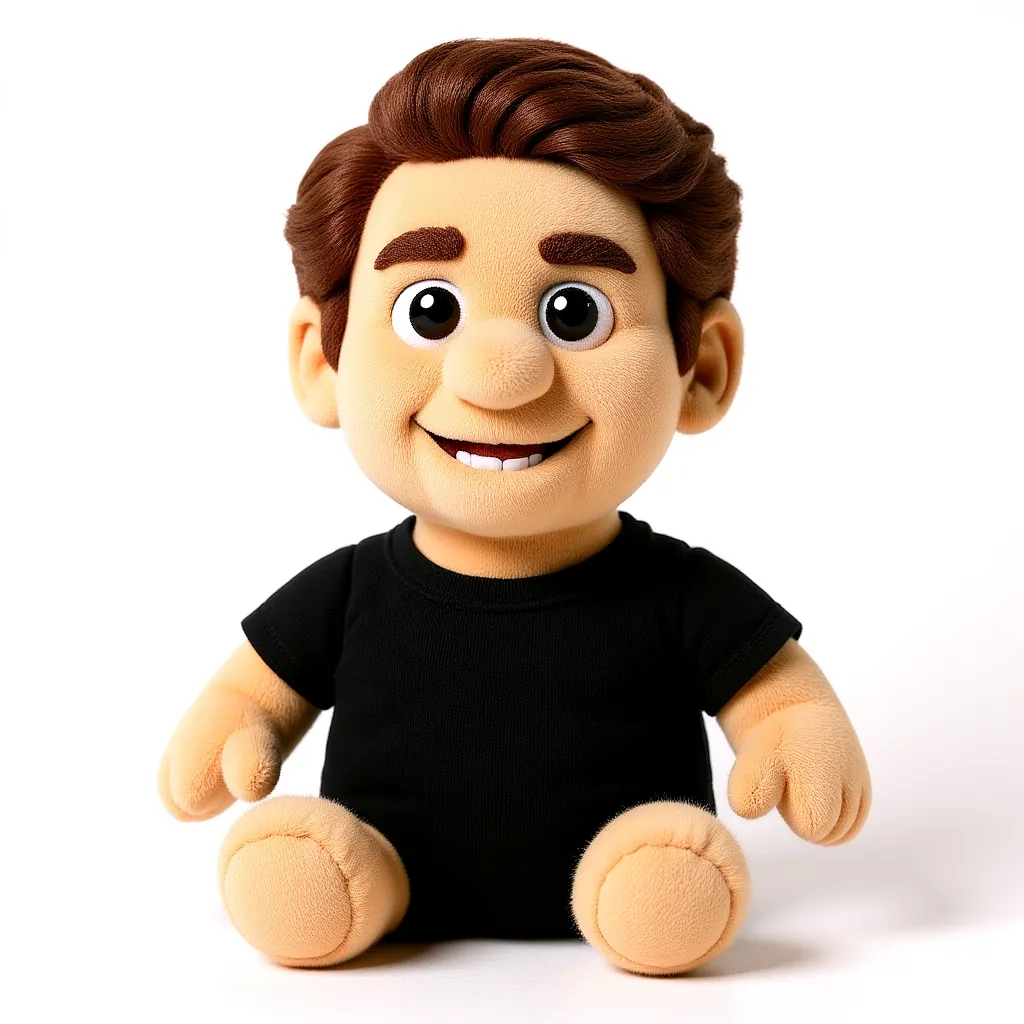
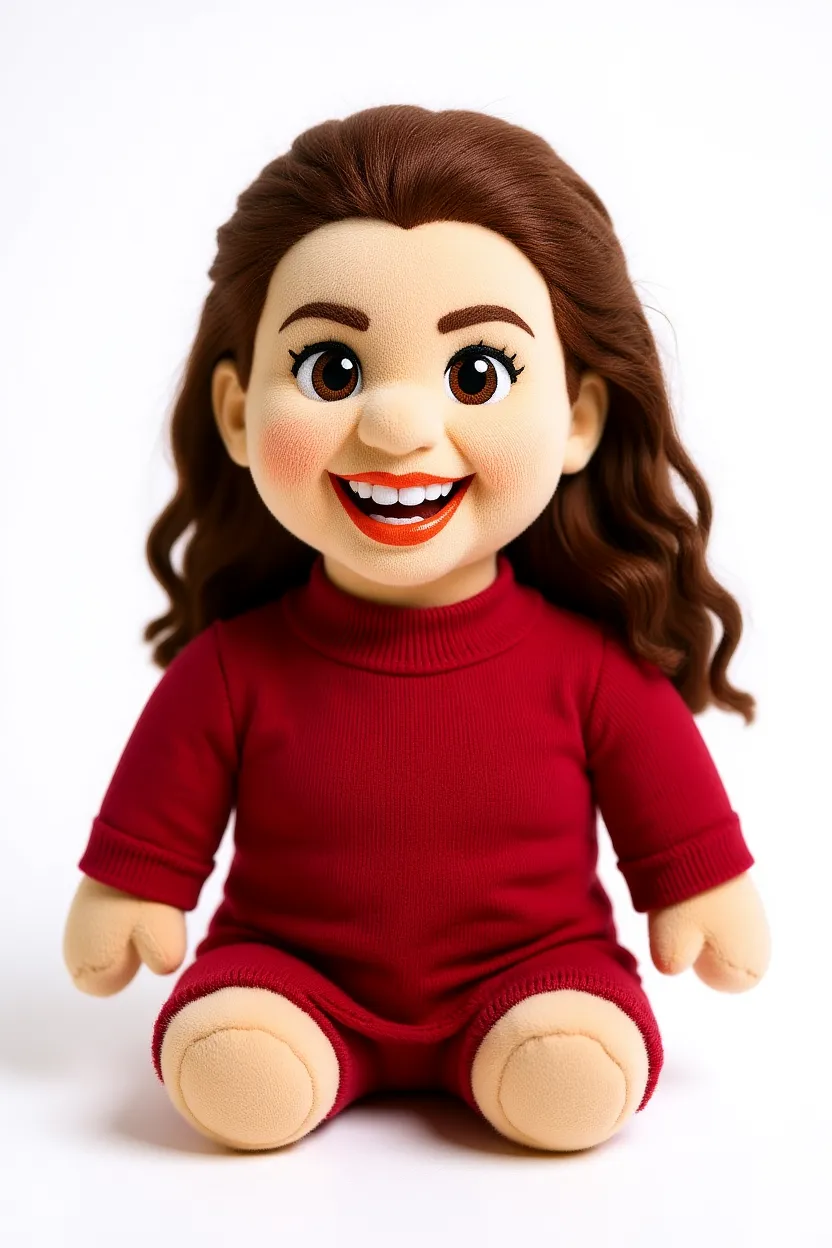
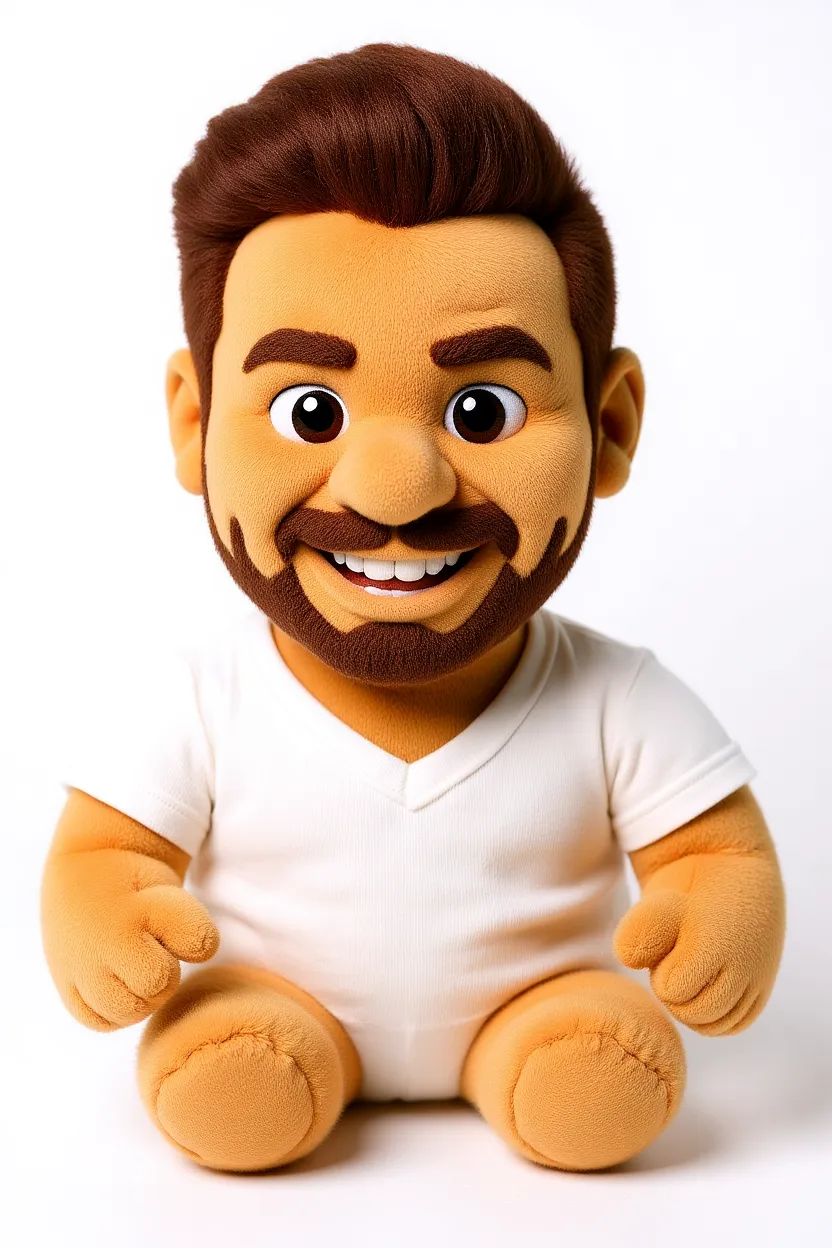
วิธีทำตุ๊กตา AI
Upload a photo (or describe it)
Drop in a photo of yourself, your pet or a character and use image-to-image to turn it into a plush toy — or generate a plushie from text alone.
Pick the plush look
Felt, fuzzy, kawaii, chibi — tap a preset prompt or describe the exact soft-toy style and colors you want.
Generate & download
Get an adorable plushie in seconds. Upscale to 4× for crisp prints and stickers, then download — no watermark on paid plans.
สิ่งที่ผู้คนทำด้วยเครื่องกำเนิดตุ๊กตา
Pets as plushies
Turn your cat or dog into the cuddly plush toy they deserve to be.
Gifts & cards
Make a personalized plushie portrait as a sweet, one-of-a-kind gift.
Social & memes
Share scroll-stopping plushie versions of yourself and friends.
Toy & merch concepts
Visualize plush toy designs before you ever sew a stitch.
คำถามที่พบบ่อยเกี่ยวกับเครื่องกำเนิดตุ๊กตา AI
Is the AI plushie generator free?+
Yes. You get free credits every day to create plushie images — no credit card required to start. Paid plans add faster generation, higher resolution and remove the watermark.
Can I turn my own photo into a plushie?+
Yes — that's the fun part. Upload a photo of yourself, your pet or a character and use image-to-image, and the AI keeps the recognizable features while reimagining it as a soft plush toy.
Do I need to upload a photo?+
No. You can generate a plushie purely from a text description. Uploading a photo is optional and only needed when you want the plushie to be based on a real subject.
What photo works best for a plushie?+
A clear, well-lit photo with one main subject works best — a front-facing pet portrait or selfie gives the AI the most to work with.
Can I use the plushie images commercially?+
Yes. You own the images you generate and can use them for gifts, merch concepts, social posts and other commercial contexts.
พร้อมทำด้วยตัวเอง plushie?
เริ่มฟรีด้วย 25 เครดิตทุกวัน ไม่ต้องใช้บัตรเครดิต ไม่มีข้อผูกมัด
ทำตุ๊กตาของคุณ — ฟรี →