Free AI Headshot Generator
Turn a selfie into a polished, professional headshot in seconds. Keep your real face, swap the outfit, background and lighting for LinkedIn, resumes and team pages — no photographer, no studio.
25 free credits every day · No credit card required
Headshot prompt ideas
Tap a prompt to start generating instantly.
Headshots that actually look like you
Most free AI tools invent a random face. PixelMind doesn't. Upload one clear selfie, turn on Keep this character, and the AI keeps your real likeness while restyling the outfit, background and lighting into a studio-quality headshot.
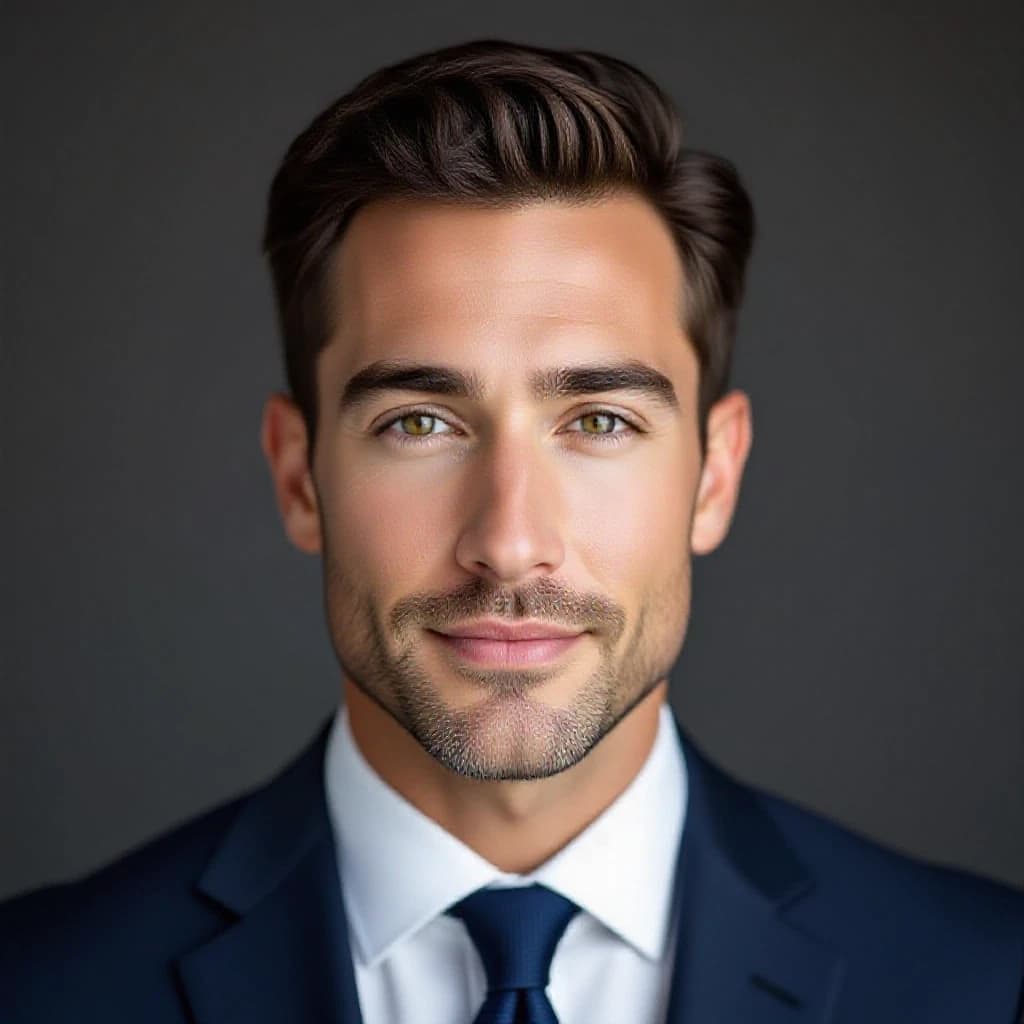
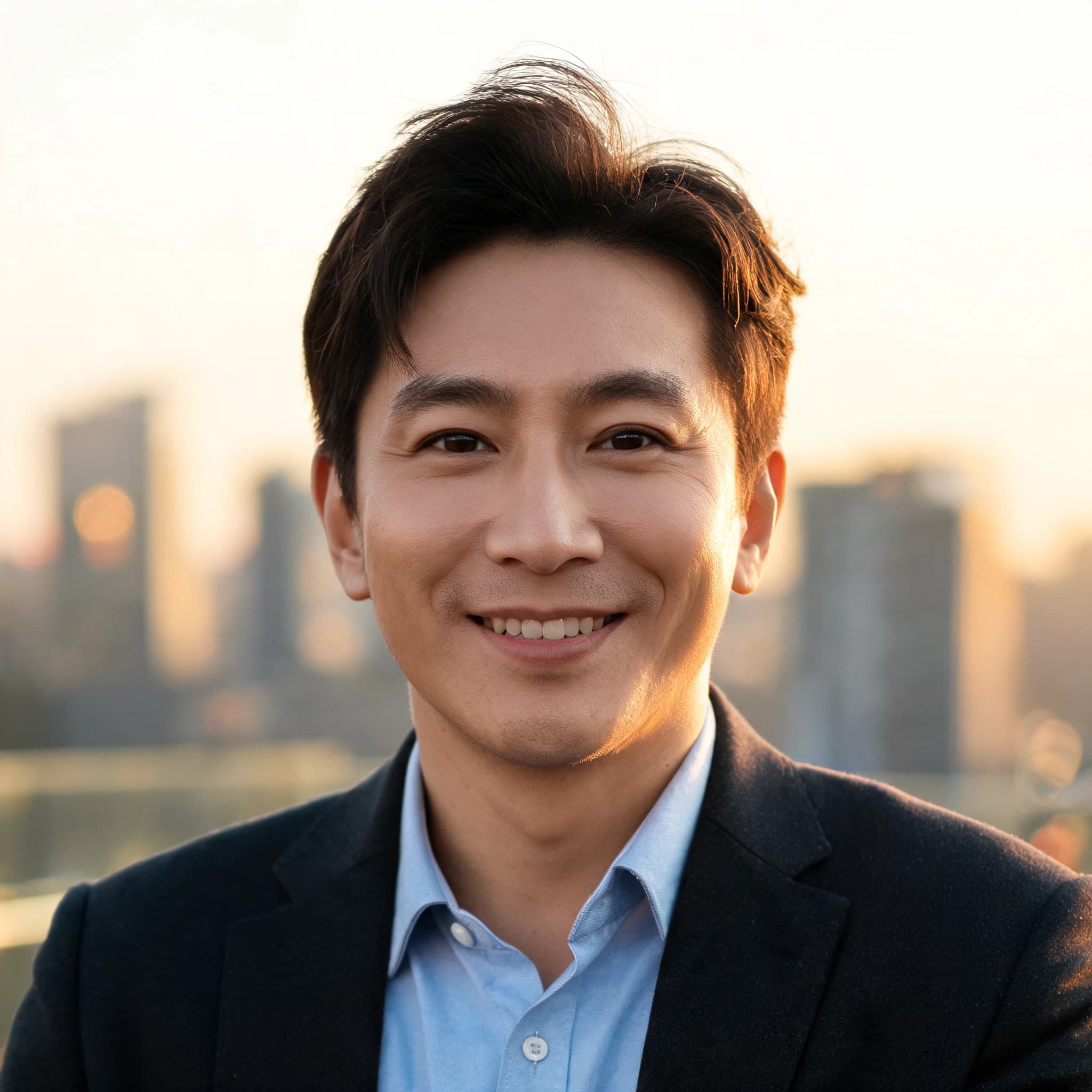
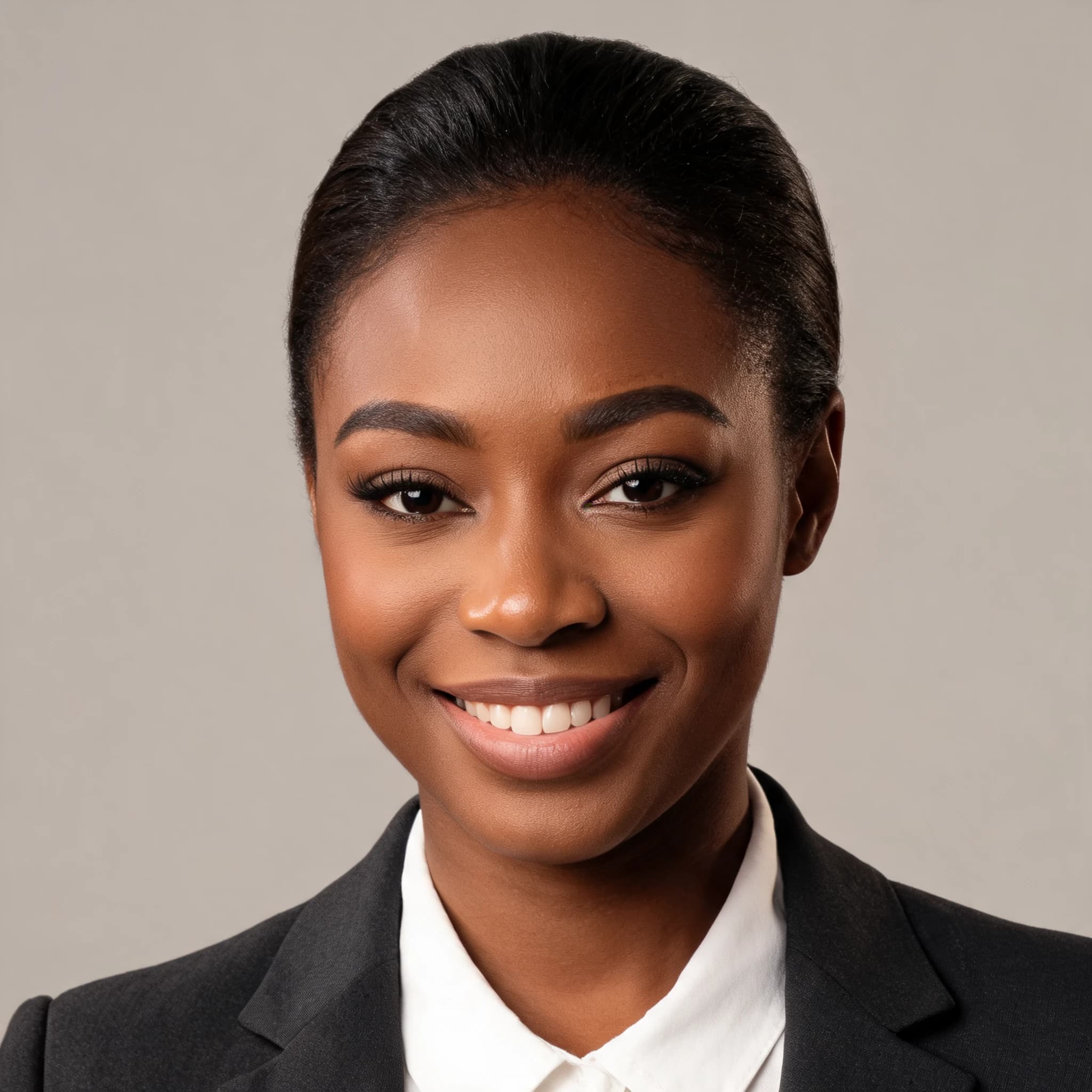
Headshots made with PixelMind
Real examples — studio, office and outdoor looks across different people. Yours can look just like these.


How to make an AI headshot
Upload a selfie (or just describe it)
Drop in a clear photo of your face and turn on Keep this character to preserve your real likeness — or skip it and generate a headshot purely from text.
Pick the look
Choose the outfit, background and lighting — corporate, LinkedIn, creative or outdoor. Tap a preset prompt or write your own.
Generate & download
Get polished HD headshots in seconds. Upscale to 4× for print, then download — no watermark on paid plans.
What people use AI headshots for
LinkedIn & resumes
A sharp, professional profile photo that gets you taken seriously.
Team & about pages
Consistent headshots for the whole team, no photographer needed.
Acting & modeling
Clean casting-style headshots on a plain backdrop in minutes.
Avatars & bios
Polished portraits for speaker bios, podcasts and social profiles.
AI headshot generator FAQ
Is the AI headshot generator free?+
Yes. You get free credits every day to create AI headshots — no credit card required to start. Paid plans add faster generation, higher resolution and remove the watermark.
Can it keep my real face?+
Yes — that's what makes PixelMind different. Upload a clear selfie and turn on Keep this character, and the AI places your actual likeness into a new professional setting, outfit and lighting instead of inventing a random face.
Do I need to upload a photo?+
No. You can generate a professional headshot purely from a text description. Uploading a selfie is optional and only needed if you want the result to look like you.
What makes a good headshot photo to upload?+
Use a well-lit, front-facing photo where your face is clearly visible and not blocked by sunglasses or heavy shadow. One clear subject works best.
Can I use the headshots commercially?+
Yes. You own the images you generate and can use them on LinkedIn, resumes, company sites and other professional or commercial contexts.
Ready for your professional headshot?
Start free with 25 credits every day — no credit card, no commitment.
Create your headshot — free →