 Ein AI Studio für Bilder, Videos und Bearbeitung
Beginnen Sie kostenlos mit PixelMind 2.0 und wechseln Sie dann zu GPT Image, Nano Banana, Seedream, Kling, Veo oder Seedance, wenn der Auftrag mehr erfordert.
Beginnen Sie frei und skalieren Sie, wenn Sie bereit sind
Ein Workflow, vier übersichtliche Kapazitätsstufen
Video-Workflows
Beginnen Sie mit dem Videojob, den Benutzer tatsächlich benötigen
Video fühlt sich erstklassig an, wenn die Einstiegspunkte spezifisch sind. Wählen Sie Text zu Video, Bild zu Video, Produktvideo, Werbevideo oder Avatar-Video und beginnen Sie dann mit einer Eingabeaufforderung, die bereits zur Aufgabe passt.
Prompt to clip
Text to Video
PixelMind Video ProWrite a scene and create a short clip for ads, social posts or concept testing.
Starten Sie diesen Workflow
Still image to motion
Image to Video
Kling 3.0 TurboUpload a product, portrait or visual reference and add natural camera motion.
Starten Sie diesen Workflow
For ecommerce and launches
Product Video
Veo 3.1 FastCreate short ecommerce demos, marketplace clips and launch visuals from one prompt.
Starten Sie diesen Workflow
For social campaigns
Ad Video
Seedance 2.5Start a scroll-stopping product or service ad with a clear hook and benefit.
Starten Sie diesen Workflow
Presenter concepts
Avatar Video
PixelMind VideoDraft an avatar-style presenter clip for explainers, demos and landing pages.
Starten Sie diesen Workflow
Arbeitsablauf
Von der Aufforderung zum nutzbaren Motiv in einem konzentrierten Ablauf
PixelMind ist für schnelle kreative Entscheidungen konzipiert: Generieren, vergleichen, verbessern und wiederverwenden Sie das Ergebnis, ohne Ihr Setup neu erstellen zu müssen.
Write the result you want
Describe a product shot, portrait, social post, logo, room design or cinematic scene in plain English.
Choose the right path
Use free PixelMind 2.0 Slow Mode, spend credits on a premium model, upload a reference, or open a template when you need a repeatable style.
Refine, animate or export
Download the image, remove the background, upscale it, edit it, or turn it into a short AI video.
So funktioniert der Arbeitsbereich
Ein klarerer Weg von der Eingabeaufforderung bis zum fertigen Bild.

Commercial image workflow
Start with the real product, then build the campaign around it.
Upload a product photo, preserve the product, then choose a clean listing, ad or social direction. The model, reference-image limit and cost stay visible before you create.
Open product photo workflow
Controlled video workflow
Turn a still idea into a short clip with the right video model.
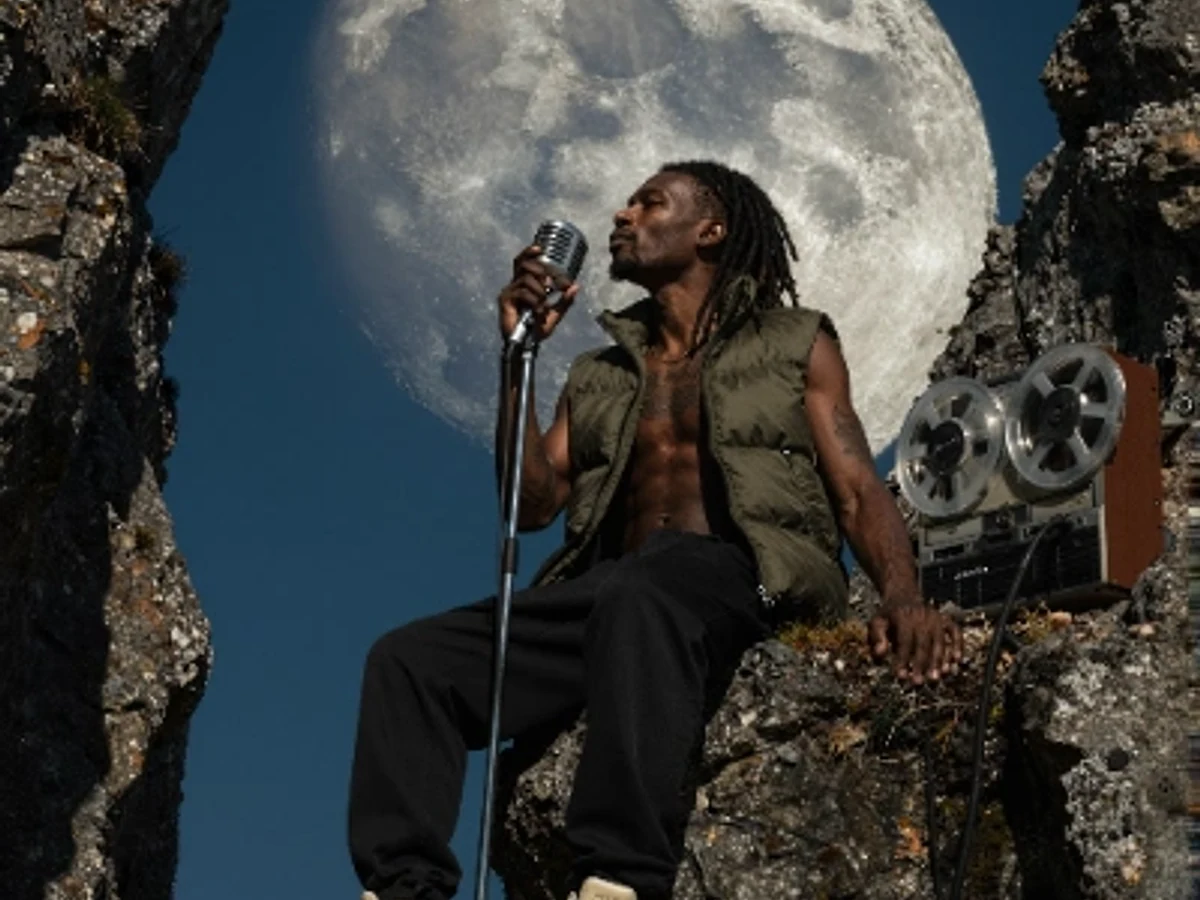
Select a model for its actual strengths, then set only the lengths, resolution and audio options that model supports. Create a quick draft first, then move up when quality matters.
Open Seedance 2.5 workflow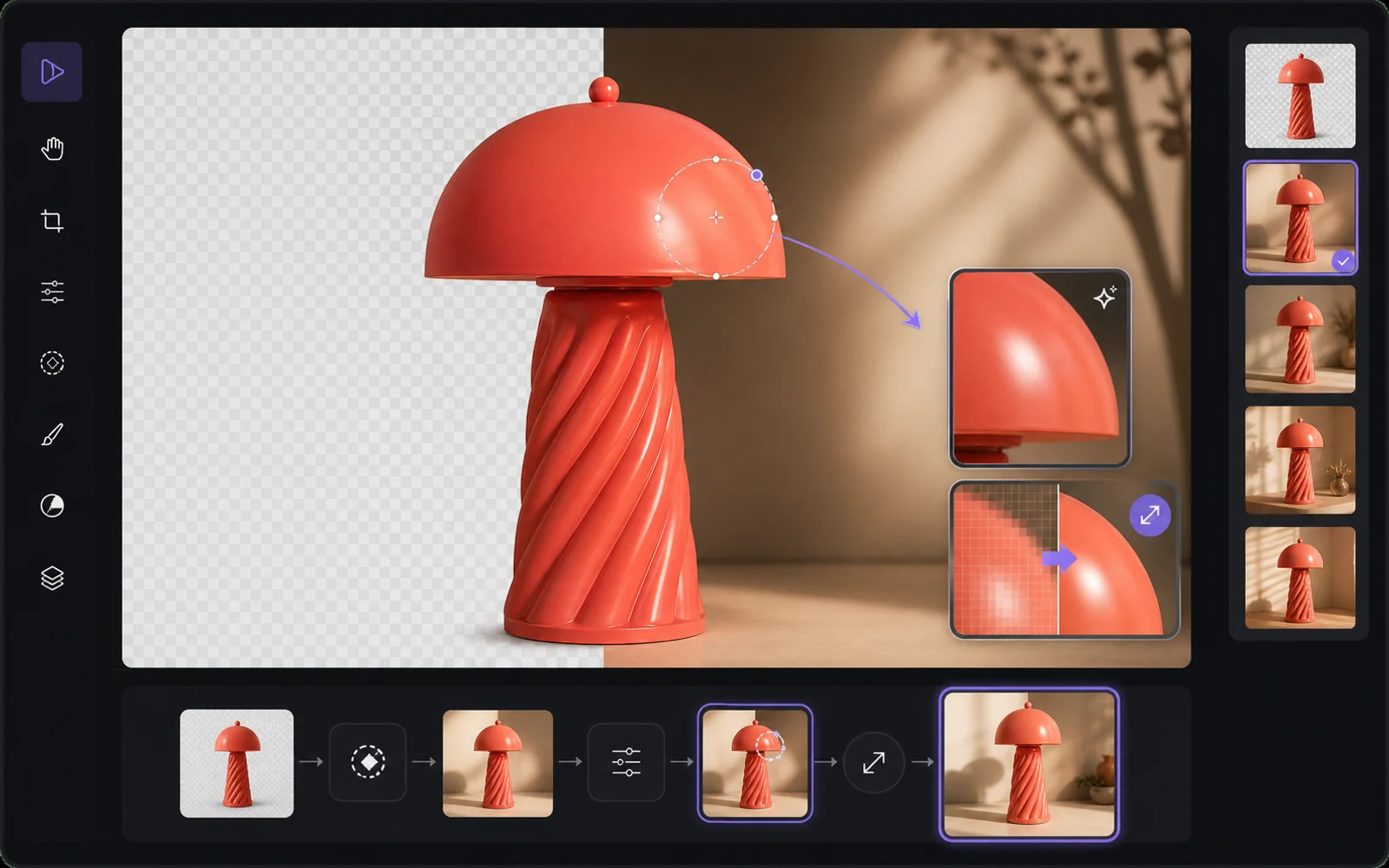
Finish the useful version
Improve the result without starting from zero.
Reuse a result as a reference, remove the background, upscale it or make a targeted edit. PixelMind keeps the next step close to the result instead of sending people back to an empty prompt box.
Open image editorWarum PixelMind
Ein praktischer KI-Bildgenerator für Leute, die Bilder versenden
PixelMind AI kombiniert Text-zu-Bild, Bild-zu-Video, KI-Fotobearbeitung und wiederverwendbare Stile in einer fokussierten Web-App.
Create without setup
Start from a prompt, a reference image or a ready-made template. No model setup, plugin chain or prompt engineering required.
One workspace for image and video
Generate images, animate stills, create video from text, remove backgrounds and upscale results without leaving the same flow.
Built for real projects
Use PixelMind for product photos, social posts, thumbnails, portraits, concept art, ads and client-ready visual drafts.
Fast iteration
Try variations quickly, remix gallery prompts and reuse your own results as references for the next image or video.
Clear upgrade path
Start in free Slow Mode, then move to Pro, Ultimate or Max for more credits, cleaner exports and commercial use.
Privacy-aware by design
Guest results are temporary, signed-in users control their history, and generation flows avoid surprising credit charges.
Gebaut für Ergebnisse
Erstellen Sie visuelle Elemente, die die Leute tatsächlich nutzen können
PixelMind ist nicht nur eine Eingabeaufforderungsbox. Es verbindet Generierung, Bearbeitung, Video und Vorlagen, sodass Besucher von der Neugier zu einem brauchbaren Ergebnis gelangen können.
Marketing teams
Create ad concepts, product angles, campaign visuals and social posts before booking a full shoot.
Creators
Turn rough ideas into thumbnails, profile images, short videos, covers and repeatable visual styles.
Small businesses
Generate clean product photos, remove backgrounds and test visual ideas without hiring a design team first.
Ein verbundener Arbeitsbereich
Halten Sie jedes Projekt in Bewegung
Beginnen Sie mit einer Eingabeaufforderung oder Referenz, vergleichen Sie ein Ergebnis, bearbeiten Sie es dann, skalieren Sie es hoch, entfernen Sie den Hintergrund oder animieren Sie es, ohne Ihr Projekt in einer anderen App neu zu erstellen.
Beginnen Sie mit einem Job
Beliebte KI-Generatoren für echte Arbeit
Wählen Sie den Auftrag aus, den Sie abschließen möchten, öffnen Sie das richtige Tool und verfeinern Sie dann das Ergebnis in Studio, ohne Ihr Setup neu erstellen zu müssen.
Product photos
Create clean product shots, lifestyle scenes and ad visuals from a short prompt.
Professional headshots
Turn a casual portrait into polished profile photos for LinkedIn, teams and resumes.
Image to video
Animate still images into short clips for social posts, ads and creator experiments.
Logo ideas
Explore logo directions, icons and brand marks before refining the final concept.
Room redesign
Preview interior styles and layout ideas from a room photo or written direction.
Background remover
Remove backgrounds from product, portrait and marketplace images in one step.
Schnellstart
Wählen Sie ein Modell und Versuchen Sie es jetzt
Springen Sie direkt in Ihr Lieblings-KI-Modell. Keine Einrichtung erforderlich.

Seedream 5.0 Pro
Vivid color and strong artistic depth
PixelMind 2.0 Pro
Ultra-detailed, brand-ready visuals

GPT Image 2
Precise prompts and clean text rendering
Kling 3.0
4K cinematic video with long clips
Veo 3.1 Pro
Native audio and cinematic 4K output

Nano Banana 2
Character consistency and smart edits
Kostenlos starten
Beginnen Sie kostenlos und skalieren Sie dann, ohne die Werkzeuge zu wechseln
Verwenden Sie PixelMind 2.0 Slow Mode ohne Karte. Pro beginnt bei $20/Monat, wenn Sie saubere Exporte, kommerzielle Nutzung und mehr Bild- oder Videokapazität benötigen.