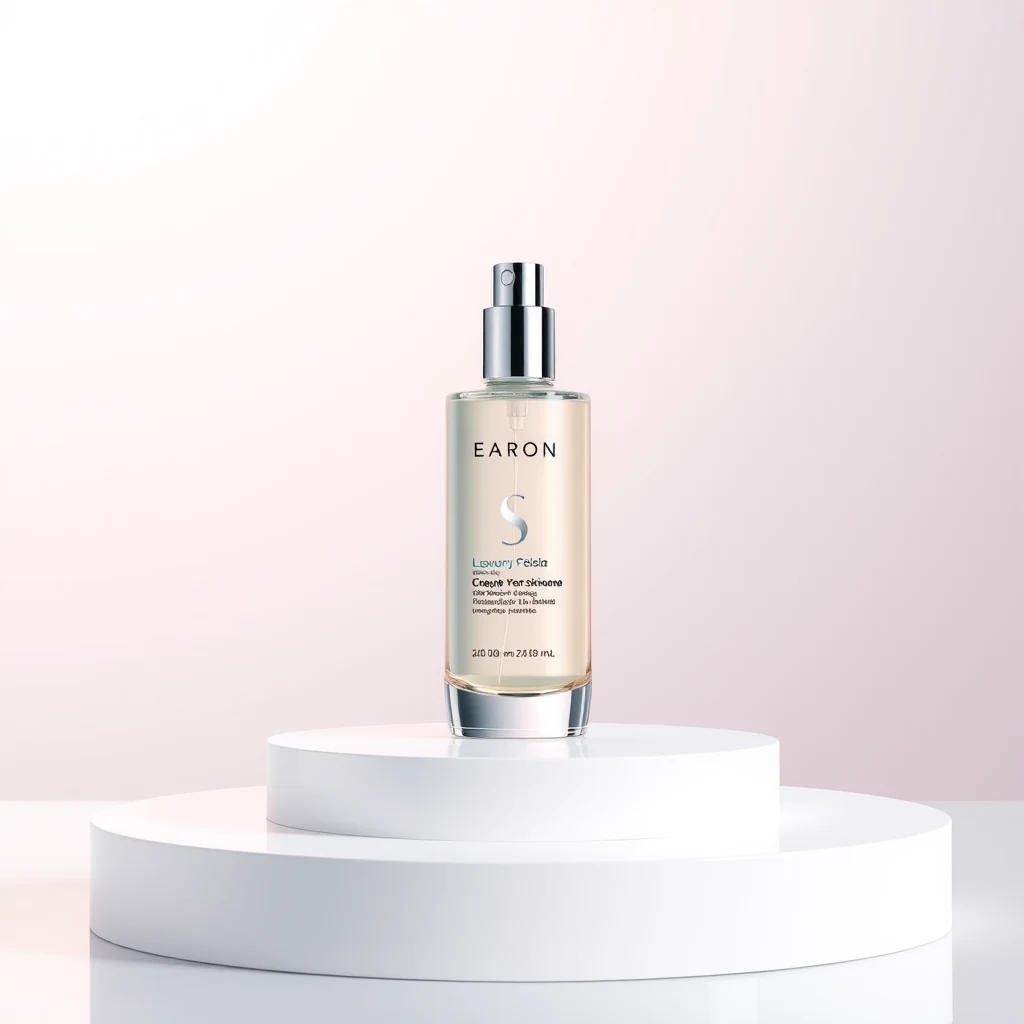



Product
Name the item, material, color and any real brand-safe details.
Petunjuk foto produk
Salin petunjuk fotografi produk yang telah terbukti untuk daftar e-niaga, gambar Amazon, toko Shopify, iklan sosial, dan kampanye merek premium. Mulailah dengan prompt, lalu buat dan sempurnakan di dalam PixelMind.
Salin dan hasilkan
Setiap prompt ditulis untuk pekerjaan komersial yang jelas. Ganti detail produk, pertahankan pencahayaan dan arah pemandangan, lalu buka di PixelMind Studio.
Amazon, Shopify and marketplace listings
Clean ecommerce product photo of a matte skincare bottle on a white seamless background, soft studio lighting, realistic shadow, sharp label detail, premium catalog style
Minimal product packshot of wireless earbuds in a glossy case, pure white background, controlled reflections, centered composition, high-resolution commercial photography
Amazon listing product image of a reusable water bottle, front-facing, clean white background, realistic scale, crisp edges, soft natural shadow
Show the product in a real-use environment
Lifestyle product photo of a ceramic coffee mug on a warm kitchen counter, morning window light, soft steam, cozy home atmosphere, realistic commercial photography
Premium candle product photo on a wooden bedside table with linen sheets and dried flowers, warm ambient light, editorial ecommerce style
Natural skincare jar beside fresh towels and eucalyptus leaves in a bright bathroom, soft daylight, clean wellness brand photography
Instagram, TikTok, Meta ads and landing pages
Bold social ad image for a new running sneaker, product floating above a wet reflective street, dynamic splash, neon accents, dramatic commercial lighting
Square Instagram product ad for premium matcha powder, clean green palette, lifestyle props, bright natural light, clear space for headline text
High-converting ecommerce hero image of a tech gadget on a dark reflective surface, blue rim light, premium launch campaign composition
Premium packaging, beauty and fragrance
Luxury perfume bottle on black marble with gold reflections, cinematic studio lighting, elegant shadows, premium fragrance campaign photography
Cosmetic cream jar on a beige stone pedestal, soft silk fabric, dewy botanical accents, high-end beauty product photography
Premium watch product photo on dark leather with subtle rim lighting, crisp metal detail, refined commercial still life composition
Rumus yang cepat
Permintaan e-niaga terbaik bersifat spesifik. Mereka mendeskripsikan item, pemandangan, cahaya, dan kasus penggunaan bisnis alih-alih meminta foto umum yang indah.
Name the item, material, color and any real brand-safe details.
Choose white background, lifestyle room, marble surface, outdoor setup or campaign backdrop.
Add soft studio light, daylight, rim light, dramatic shadows or warm ambient light.
Mention ecommerce listing, Amazon image, Instagram ad, landing page hero or marketplace photo.
An AI product photo prompt is a short instruction that describes the product, background, lighting, camera style and commercial use case you want the AI image generator to create.
Yes. These prompts are written for ecommerce, ads and marketplace images. For best accuracy, upload your real product photo in PixelMind and use the prompt to restyle the scene around it.
Use clean packshot prompts with a white background, sharp label detail, realistic shadows and centered composition. Lifestyle prompts are better for secondary images, social ads and landing pages.
Yes. Copy any prompt, replace the product details, then generate variations such as more realistic, more commercial, more cinematic or more viral in PixelMind Studio.
Buka PixelMind Studio, tempel perintah, buat variasi, lalu beri peringkat hasilnya sehingga contoh terbaik dapat meningkatkan perpustakaan umum.