 Satu AI Studio untuk Gambar, Video & Pengeditan
Mulai gratis dengan PixelMind 2.0, lalu beralih ke GPT Image, Nano Banana, Seedream, Kling, Veo, atau Seedance saat pekerjaan membutuhkan lebih banyak.
Mulai dengan gratis, skalakan jika sudah siap
Satu alur kerja, empat tingkat kapasitas yang jelas
Alur kerja video
Mulailah dengan pekerjaan video yang benar-benar dibutuhkan pengguna
Video terasa premium jika titik masuknya spesifik. Pilih teks ke video, gambar ke video, video produk, video iklan, atau video avatar, lalu mulai dengan perintah yang sesuai dengan pekerjaan.
Prompt to clip
Text to Video
PixelMind Video ProWrite a scene and create a short clip for ads, social posts or concept testing.
Mulai alur kerja ini
Still image to motion
Image to Video
Kling 3.0 TurboUpload a product, portrait or visual reference and add natural camera motion.
Mulai alur kerja ini
For ecommerce and launches
Product Video
Veo 3.1 FastCreate short ecommerce demos, marketplace clips and launch visuals from one prompt.
Mulai alur kerja ini
For social campaigns
Ad Video
Seedance 2.5Start a scroll-stopping product or service ad with a clear hook and benefit.
Mulai alur kerja ini
Presenter concepts
Avatar Video
PixelMind VideoDraft an avatar-style presenter clip for explainers, demos and landing pages.
Mulai alur kerja ini
Alur kerja
Dari materi iklan cepat hingga materi iklan yang dapat digunakan dalam satu alur terfokus
PixelMind dirancang untuk pengambilan keputusan kreatif yang cepat: menghasilkan, membandingkan, meningkatkan, dan menggunakan kembali hasilnya tanpa perlu membuat ulang pengaturan Anda.
Write the result you want
Describe a product shot, portrait, social post, logo, room design or cinematic scene in plain English.
Choose the right path
Use free PixelMind 2.0 Slow Mode, spend credits on a premium model, upload a reference, or open a template when you need a repeatable style.
Refine, animate or export
Download the image, remove the background, upscale it, edit it, or turn it into a short AI video.
Bagaimana ruang kerja bekerja
Jalur yang lebih jelas dari prompt ke visual selesai.

Commercial image workflow
Start with the real product, then build the campaign around it.
Upload a product photo, preserve the product, then choose a clean listing, ad or social direction. The model, reference-image limit and cost stay visible before you create.
Open product photo workflow
Controlled video workflow
Turn a still idea into a short clip with the right video model.
Select a model for its actual strengths, then set only the lengths, resolution and audio options that model supports. Create a quick draft first, then move up when quality matters.
Open Seedance 2.5 workflow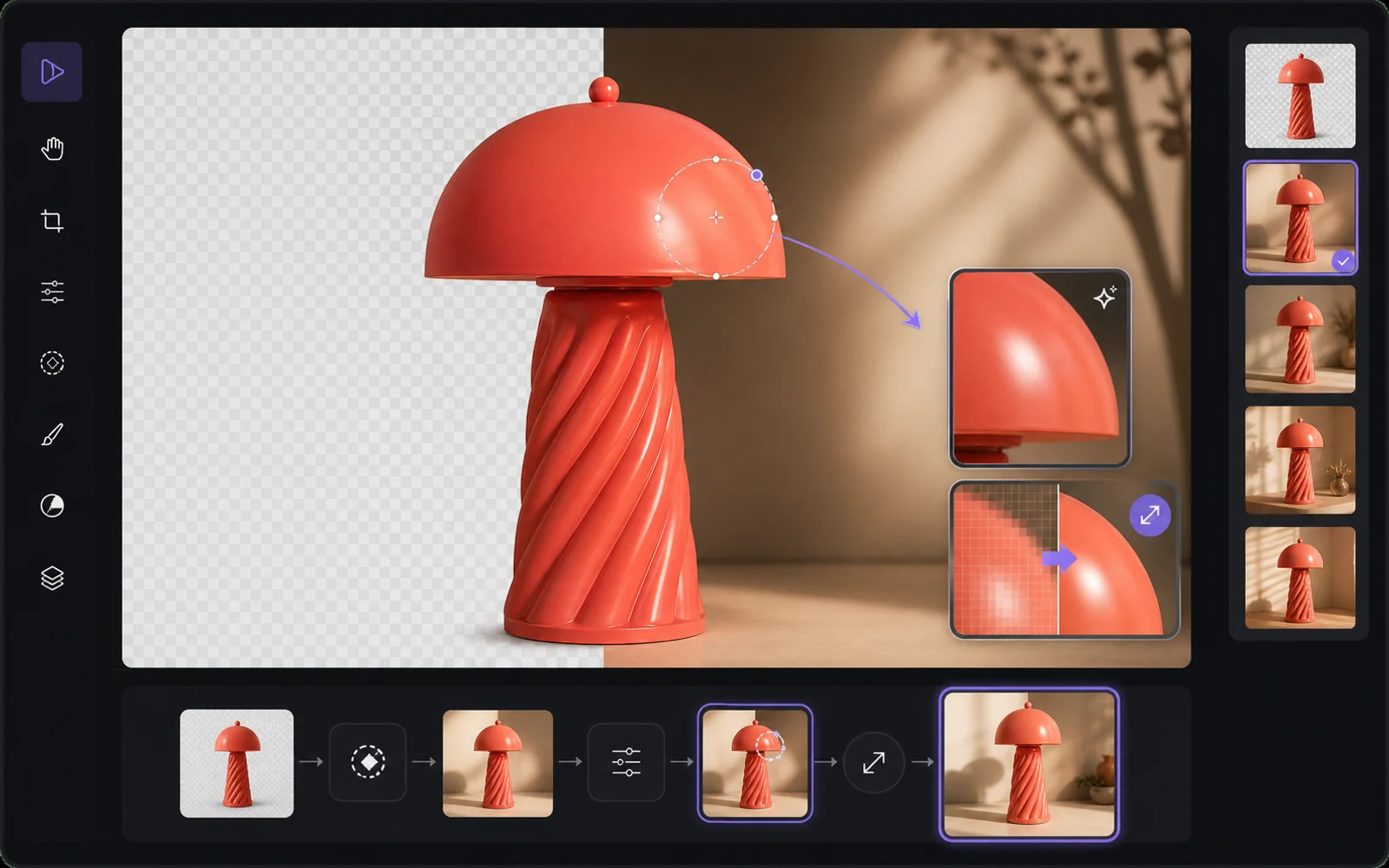
Finish the useful version
Improve the result without starting from zero.
Reuse a result as a reference, remove the background, upscale it or make a targeted edit. PixelMind keeps the next step close to the result instead of sending people back to an empty prompt box.
Open image editorMengapa PixelMind
Generator gambar AI praktis untuk orang yang mengirimkan visual
PixelMind AI menggabungkan teks-ke-gambar, gambar-ke-video, pengeditan foto AI, dan gaya yang dapat digunakan kembali dalam satu aplikasi web yang terfokus.
Create without setup
Start from a prompt, a reference image or a ready-made template. No model setup, plugin chain or prompt engineering required.
One workspace for image and video
Generate images, animate stills, create video from text, remove backgrounds and upscale results without leaving the same flow.
Built for real projects
Use PixelMind for product photos, social posts, thumbnails, portraits, concept art, ads and client-ready visual drafts.
Fast iteration
Try variations quickly, remix gallery prompts and reuse your own results as references for the next image or video.
Clear upgrade path
Start in free Slow Mode, then move to Pro, Ultimate or Max for more credits, cleaner exports and commercial use.
Privacy-aware by design
Guest results are temporary, signed-in users control their history, and generation flows avoid surprising credit charges.
Dibangun untuk hasil
Buatlah visual yang benar-benar dapat digunakan orang
PixelMind bukan sekedar kotak prompt. Ini menghubungkan pembuatan, pengeditan, video, dan templat sehingga pengunjung dapat beralih dari rasa ingin tahu ke hasil yang dapat digunakan.
Marketing teams
Create ad concepts, product angles, campaign visuals and social posts before booking a full shoot.
Creators
Turn rough ideas into thumbnails, profile images, short videos, covers and repeatable visual styles.
Small businesses
Generate clean product photos, remove backgrounds and test visual ideas without hiring a design team first.
Satu ruang kerja yang terhubung
Jaga agar setiap proyek tetap berjalan
Mulailah dengan perintah atau referensi, bandingkan hasilnya, lalu edit, tingkatkan, hapus latar belakang, atau animasikan tanpa membuat ulang proyek Anda di aplikasi lain.
Mulailah dari sebuah pekerjaan
Generator AI populer untuk pekerjaan nyata
Pilih pekerjaan yang perlu Anda selesaikan, buka alat fokus yang tepat, lalu sempurnakan hasilnya di Studio tanpa membangun kembali penyiapan Anda.
Product photos
Create clean product shots, lifestyle scenes and ad visuals from a short prompt.
Professional headshots
Turn a casual portrait into polished profile photos for LinkedIn, teams and resumes.
Image to video
Animate still images into short clips for social posts, ads and creator experiments.
Logo ideas
Explore logo directions, icons and brand marks before refining the final concept.
Room redesign
Preview interior styles and layout ideas from a room photo or written direction.
Background remover
Remove backgrounds from product, portrait and marketplace images in one step.
Mulai Cepat
Pilih model dan Coba sekarang
Langsung ke model AI favorit Anda. Tidak diperlukan pengaturan.
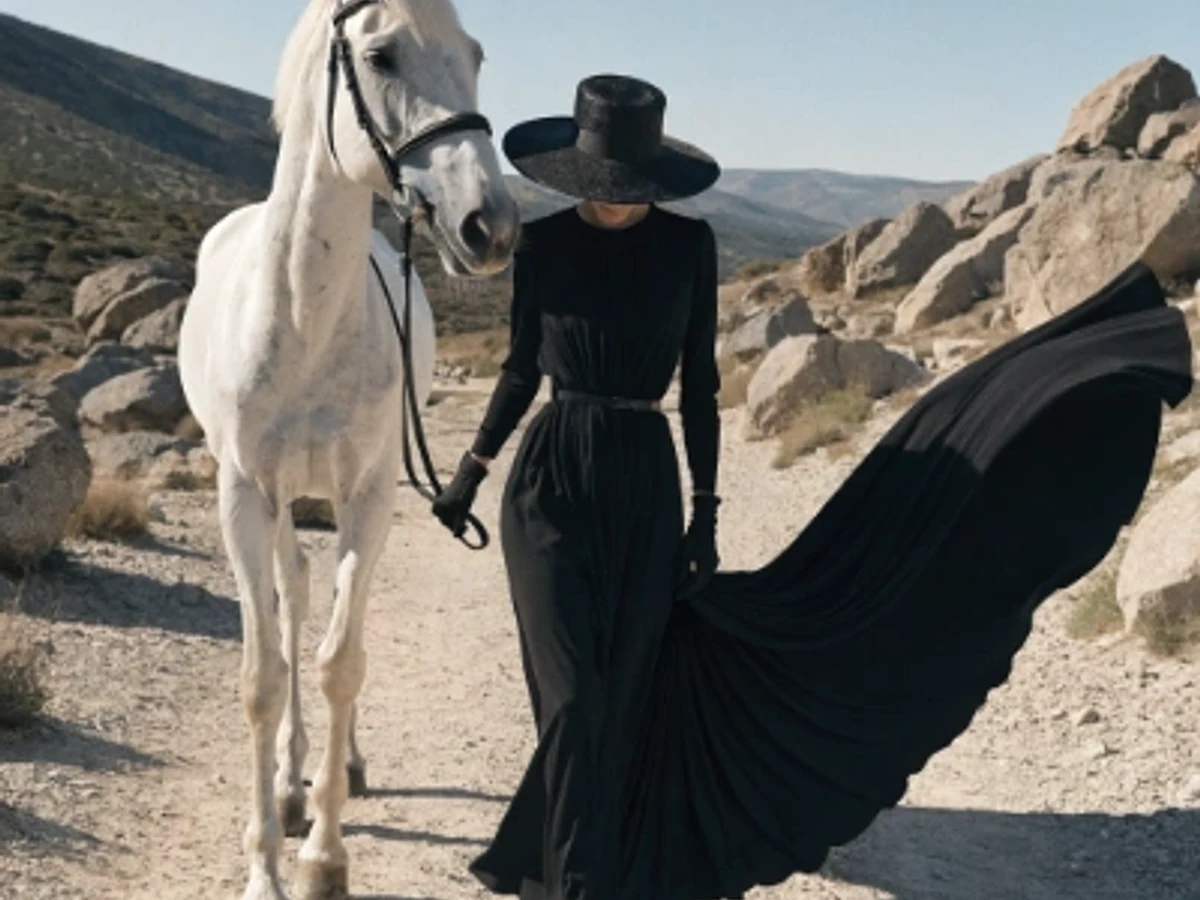
Seedream 5.0 Pro
Vivid color and strong artistic depth
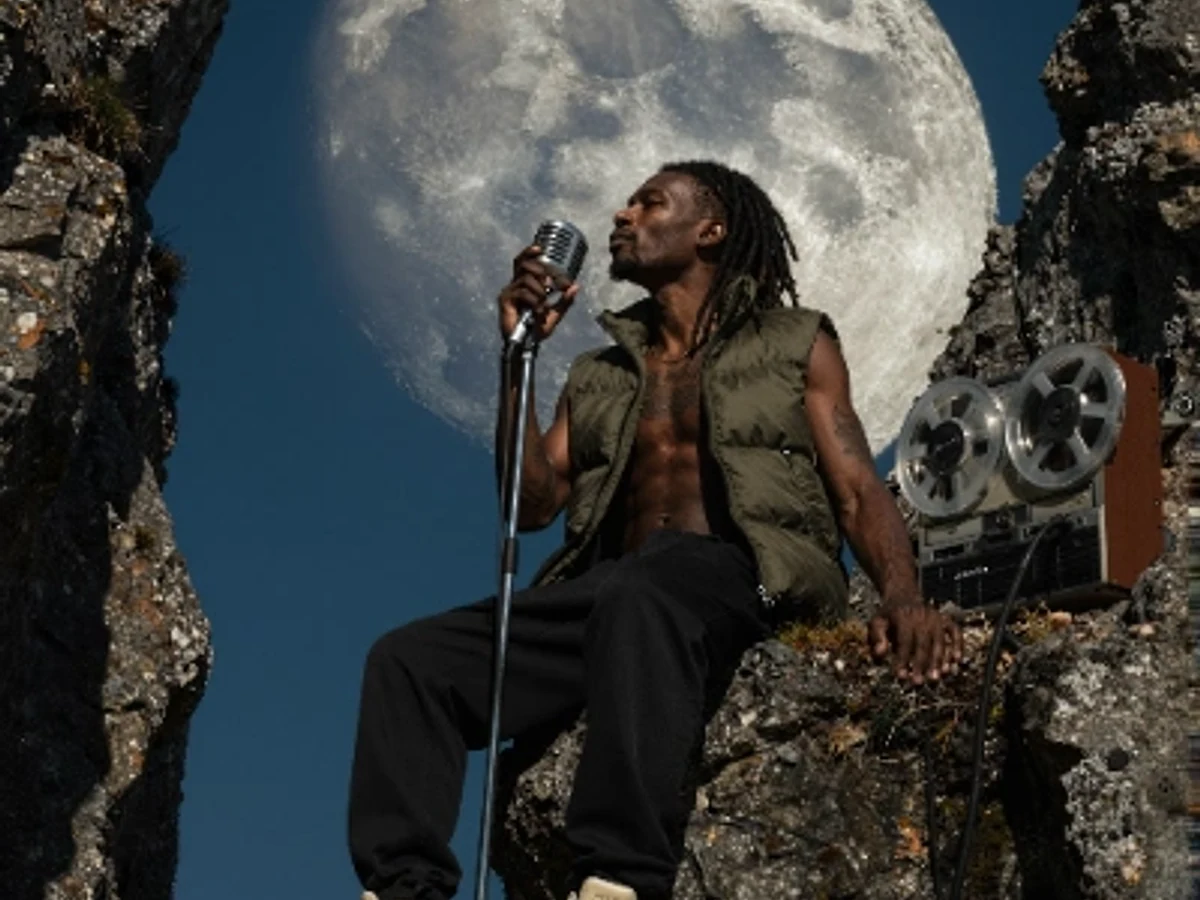
PixelMind 2.0 Pro
Ultra-detailed, brand-ready visuals

GPT Image 2
Precise prompts and clean text rendering
Kling 3.0
4K cinematic video with long clips
Veo 3.1 Pro
Native audio and cinematic 4K output

Nano Banana 2
Character consistency and smart edits
Mulai gratis
Mulai dengan gratis, lalu skalakan tanpa mengubah alat
Gunakan PixelMind 2.0 Slow Mode tanpa kartu. Pro dimulai pada $20/bulan ketika Anda memerlukan ekspor yang bersih, penggunaan komersial, dan kapasitas gambar atau video yang lebih besar.