Gratis Potret Sketsa AI Pembangkit
Ubah foto apa pun menjadi potret sketsa gaya gambar tangan dalam hitungan detik — pensil, arang, seni garis, dan banyak lagi. Cukup unggah foto, tidak perlu keahlian menggambar.
25 free credits every day · No credit card required
Sketsa ide-ide cepat
Ketuk perintah untuk mulai menghasilkan secara instan.
Sketsa you, not a stranger
Kebanyakan alat AI gratis hanya menggambar wajah secara acak. PixelMind dimulai dari foto asli Anda. Unggah potret dan gunakan image-to-image — the AI keeps the likeness while redrawing it as a pencil, charcoal or line-art sketch.
Nyata sketch results
Potret pensil yang digambar tangan yang masih menampilkan sosok aslinya — kemiripannya dipertahankan, tambah garis. Masing-masing dibuat di PixelMind dari satu selfie.
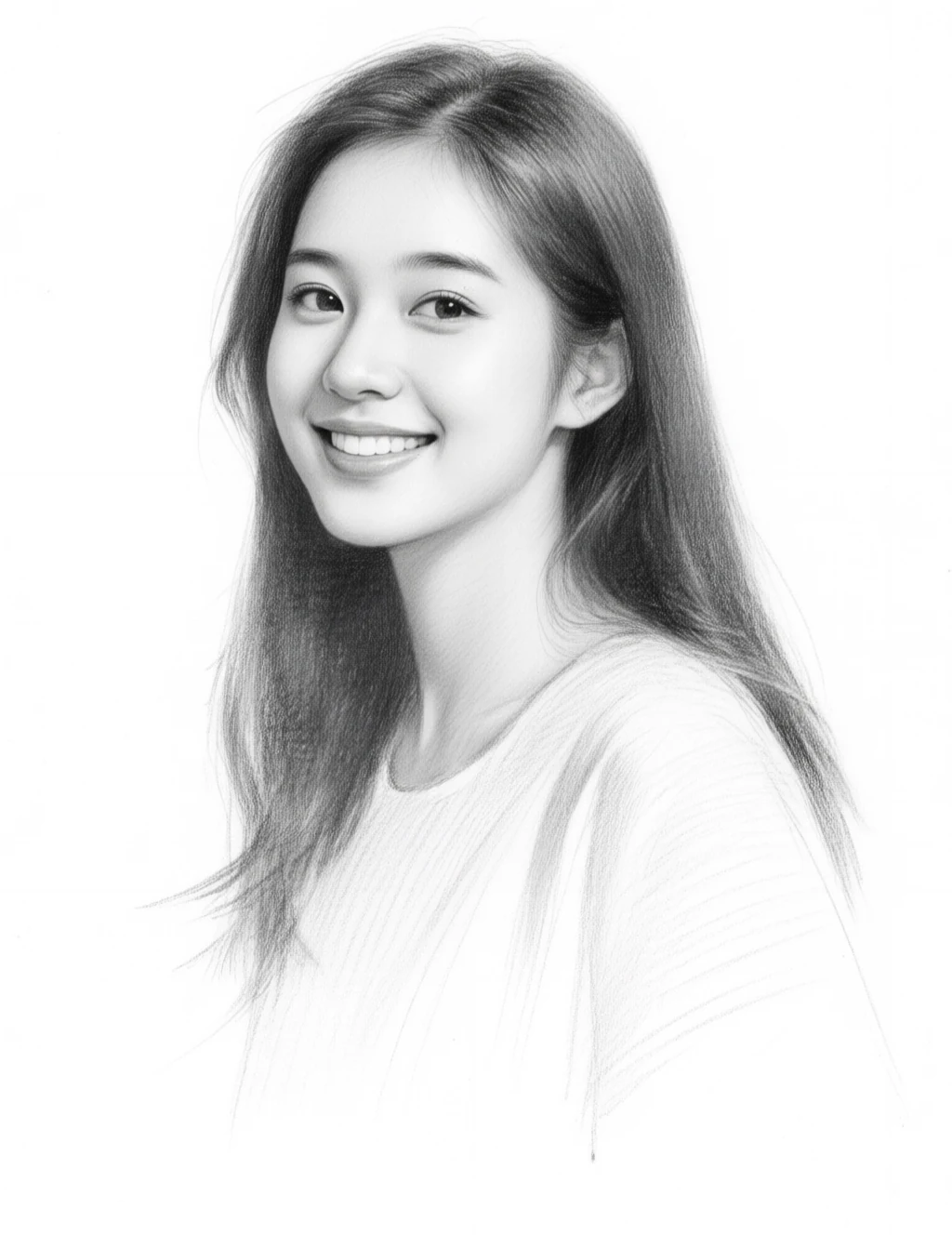
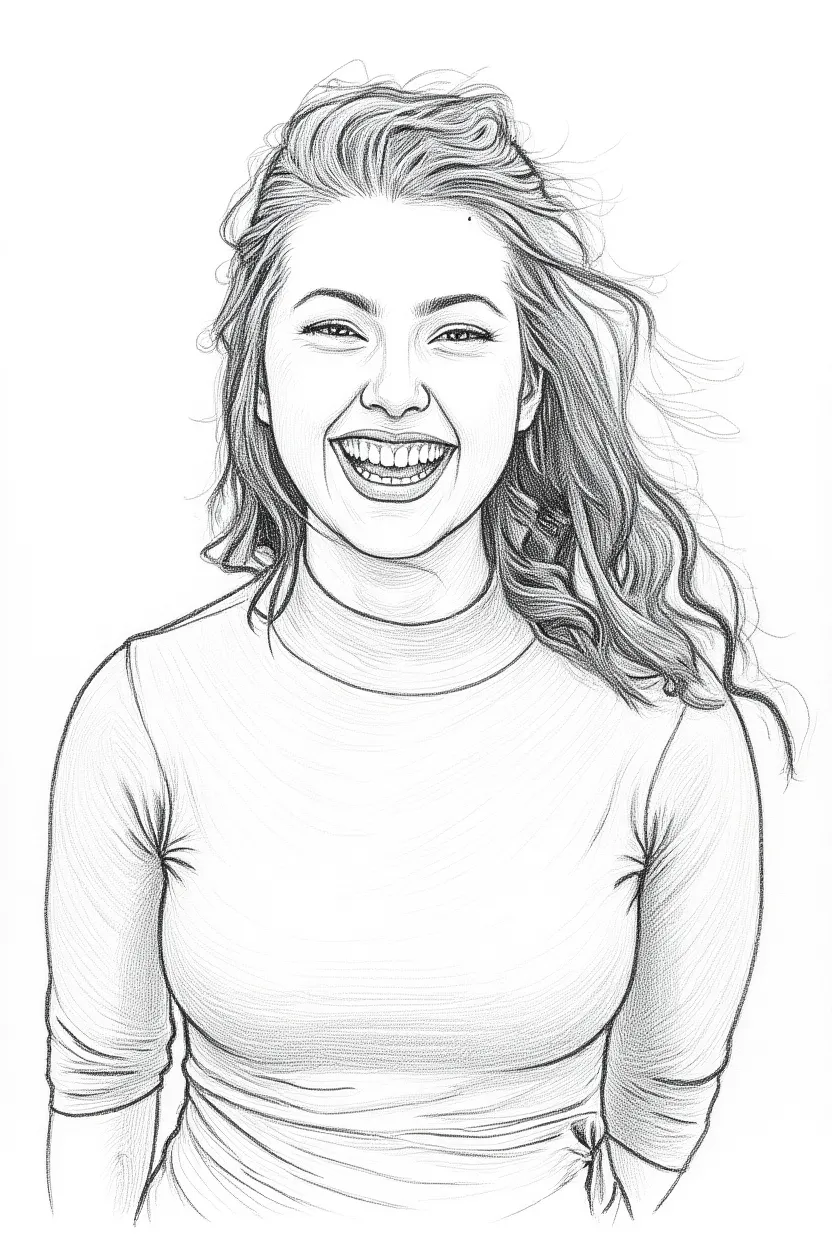
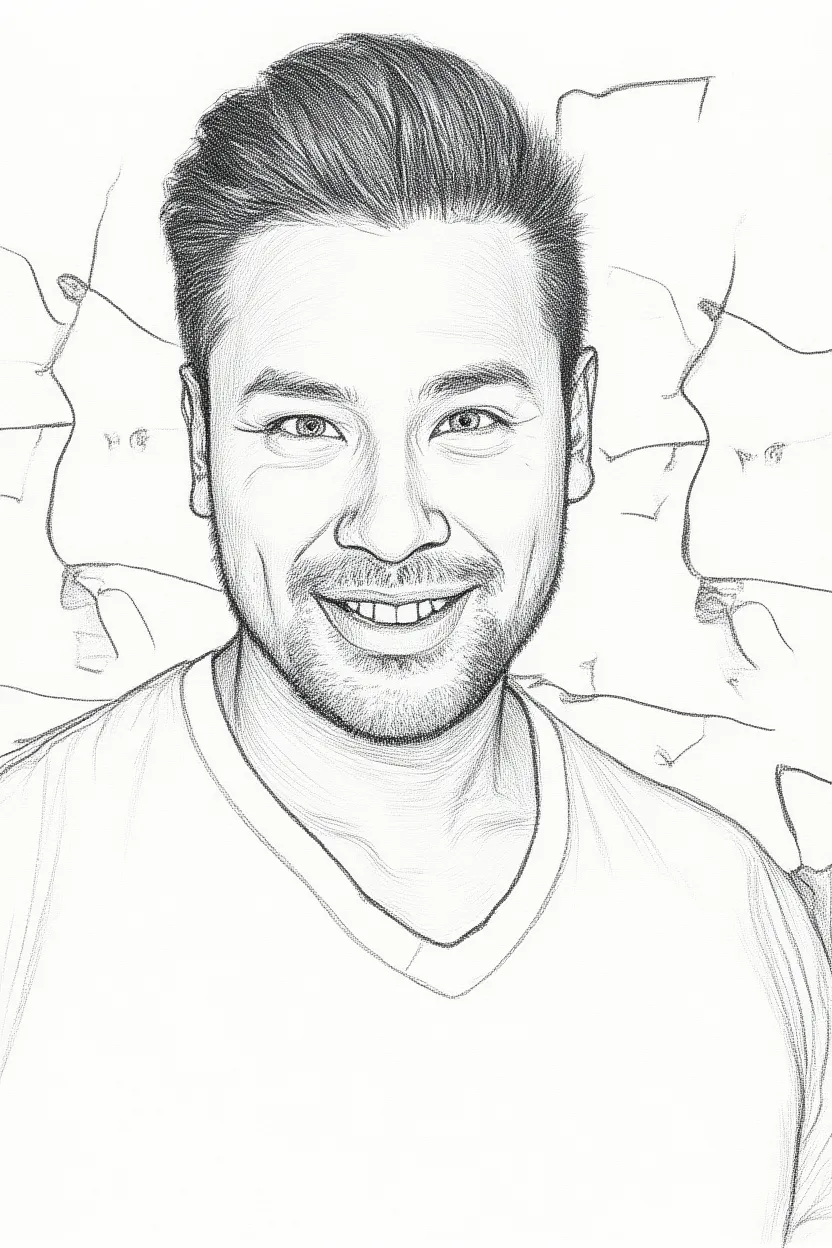
Cara membuat potret sketsa dengan AI
Upload your photo
Drop in a selfie or any portrait photo and use image-to-image to turn it into a hand-drawn sketch — or describe a sketch from scratch.
Pick a sketch style
Graphite pencil, charcoal, single-line art, cross-hatching — tap a preset prompt or describe the exact drawing style you want.
Generate & download
Get a hand-drawn style portrait in seconds. Upscale to 4× for crisp prints and download — no watermark on paid plans.
Apa yang dibuat orang dengan generator sketsa
Gifts & keepsakes
Turn a favorite photo into a sketch portrait as a heartfelt gift.
Prints & wall art
Create framable pencil portraits of family, friends or pets.
Profile & avatars
Use a stylish line-art version of yourself across social profiles.
Art studies & refs
Generate sketch references to learn from or build on.
FAQ pembuat potret sketsa AI
Is the AI sketch portrait generator free?+
Yes. You get free credits every day to create sketch portraits — no credit card required to start. Paid plans add faster generation, higher resolution and remove the watermark.
Can I turn my own photo into a sketch?+
Yes — that's the main use. Upload a photo and use image-to-image, and the AI redraws it as a pencil, charcoal or line-art portrait while keeping the likeness.
What sketch styles can I make?+
Graphite pencil, charcoal, single-line art, cross-hatching ink and more. Describe the style in your own words or tap a preset prompt.
What photo works best?+
A clear, well-lit portrait with the face in focus gives the best result. Front-facing photos with simple backgrounds work especially well.
Can I use the sketches commercially?+
Yes. You own the images you generate and can use them for gifts, prints, social posts and other commercial contexts.
Siap untuk membuat sketsa Anda portrait?
Mulai gratis dengan 25 kredit setiap hari — tanpa kartu kredit, tanpa komitmen.
Buat sketsa Anda — gratis →