 1 つの AI スタジオ 画像、ビデオ、編集
PixelMind 2.0 を無料で開始し、ジョブでさらに必要な場合は、GPT Image、Nano Banana、Seedream、Kling、Veo、または Seedance に切り替えます。
無料で開始し、準備ができたら拡張します
1 つのワークフロー、4 つの明確な容量レベル
ビデオワークフロー
ユーザーが実際に必要とするビデオの仕事から始める
エントリ ポイントが具体的である場合、ビデオはプレミアムに感じられます。テキストからビデオへ、画像からビデオへ、製品ビデオ、広告ビデオ、またはアバタービデオを選択し、ジョブにすでに適合したプロンプトから開始します。
Prompt to clip
Text to Video
PixelMind Video ProWrite a scene and create a short clip for ads, social posts or concept testing.
このワークフローを開始する
Still image to motion
Image to Video
Kling 3.0 TurboUpload a product, portrait or visual reference and add natural camera motion.
このワークフローを開始する
For ecommerce and launches
Product Video
Veo 3.1 FastCreate short ecommerce demos, marketplace clips and launch visuals from one prompt.
このワークフローを開始する
For social campaigns
Ad Video
Seedance 2.5Start a scroll-stopping product or service ad with a clear hook and benefit.
このワークフローを開始する
Presenter concepts
Avatar Video
PixelMind VideoDraft an avatar-style presenter clip for explainers, demos and landing pages.
このワークフローを開始する
ワークフロー
プロンプトから使用可能なクリエイティブまでを 1 つの集中的なフローで実現
PixelMind は、クリエイティブな意思決定を迅速に行えるように設計されています。セットアップを再構築することなく、結果を生成、比較、改善、再利用できます。
Write the result you want
Describe a product shot, portrait, social post, logo, room design or cinematic scene in plain English.
Choose the right path
Use free PixelMind 2.0 Slow Mode, spend credits on a premium model, upload a reference, or open a template when you need a repeatable style.
Refine, animate or export
Download the image, remove the background, upscale it, edit it, or turn it into a short AI video.
ワークスペースの仕組み
プロンプトから完成したビジュアルまでのより明確なパス。
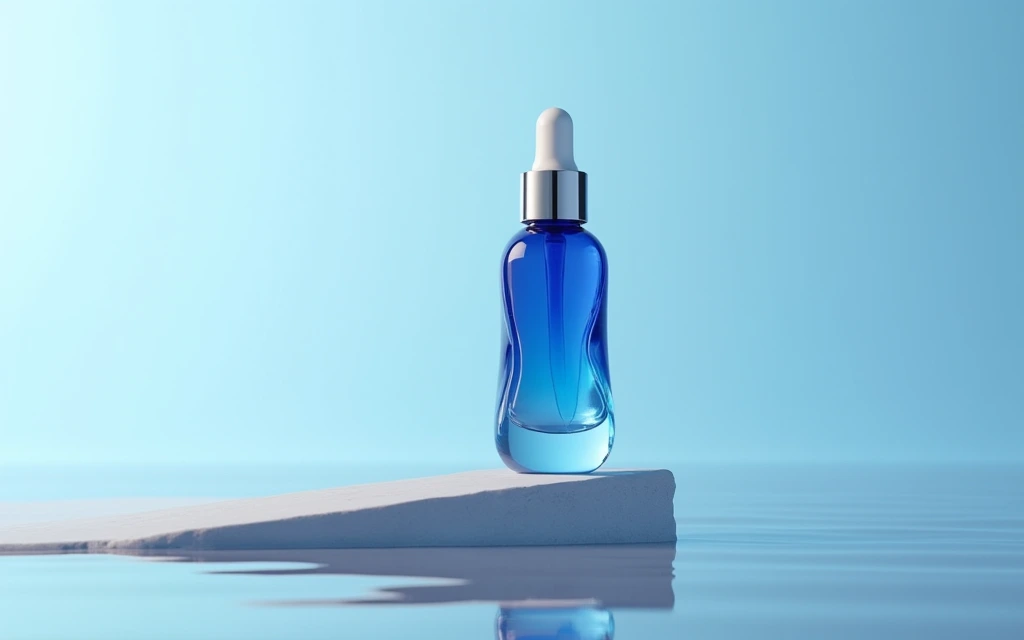
Commercial image workflow
Start with the real product, then build the campaign around it.
Upload a product photo, preserve the product, then choose a clean listing, ad or social direction. The model, reference-image limit and cost stay visible before you create.
Open product photo workflow
Controlled video workflow
Turn a still idea into a short clip with the right video model.
Select a model for its actual strengths, then set only the lengths, resolution and audio options that model supports. Create a quick draft first, then move up when quality matters.
Open Seedance 2.5 workflow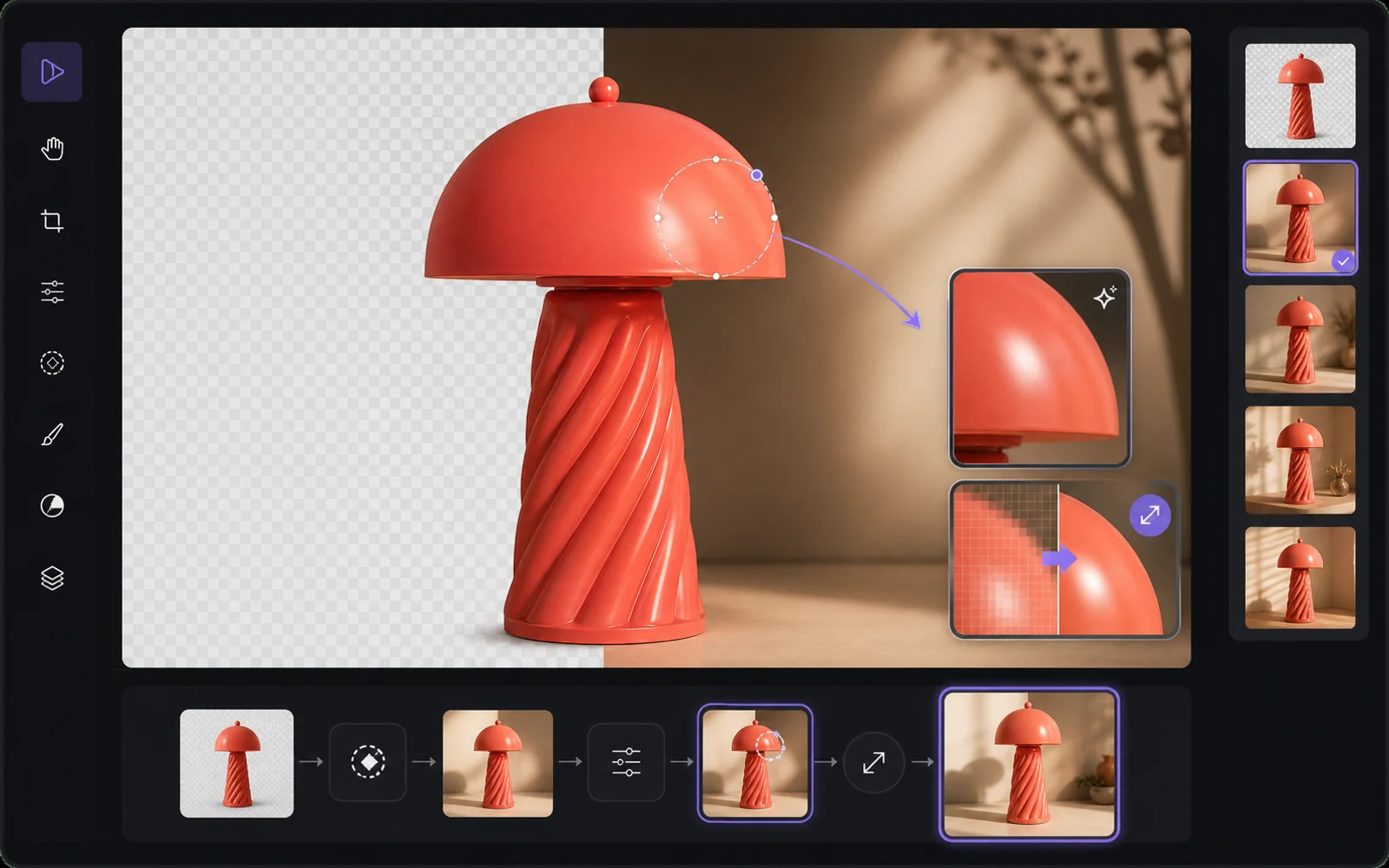
Finish the useful version
Improve the result without starting from zero.
Reuse a result as a reference, remove the background, upscale it or make a targeted edit. PixelMind keeps the next step close to the result instead of sending people back to an empty prompt box.
Open image editorなぜPixelMindなのか
ビジュアルを発信する人のための実用的なAI画像ジェネレーター
PixelMind AI は、テキストから画像へ、画像からビデオへ、AI 写真編集と再利用可能なスタイルを 1 つの焦点を絞った Web アプリに組み合わせます。
Create without setup
Start from a prompt, a reference image or a ready-made template. No model setup, plugin chain or prompt engineering required.
One workspace for image and video
Generate images, animate stills, create video from text, remove backgrounds and upscale results without leaving the same flow.
Built for real projects
Use PixelMind for product photos, social posts, thumbnails, portraits, concept art, ads and client-ready visual drafts.
Fast iteration
Try variations quickly, remix gallery prompts and reuse your own results as references for the next image or video.
Clear upgrade path
Start in free Slow Mode, then move to Pro, Ultimate or Max for more credits, cleaner exports and commercial use.
Privacy-aware by design
Guest results are temporary, signed-in users control their history, and generation flows avoid surprising credit charges.
成果を追求して構築
人々が実際に使用できるビジュアルを作成する
PixelMind は単なるプロンプト ボックスではありません。生成、編集、ビデオ、テンプレートを結びつけることで、訪問者は好奇心から実用的な結果に進むことができます。
Marketing teams
Create ad concepts, product angles, campaign visuals and social posts before booking a full shoot.
Creators
Turn rough ideas into thumbnails, profile images, short videos, covers and repeatable visual styles.
Small businesses
Generate clean product photos, remove backgrounds and test visual ideas without hiring a design team first.
1 つの接続されたワークスペース
それぞれのプロジェクトを進め続ける
プロンプトまたは参照から開始し、結果を比較してから、別のアプリでプロジェクトを再構築することなく、編集、アップスケール、背景の削除、アニメーション化を行うことができます。
仕事から始める
実際の作業に人気の AI ジェネレーター
完了する必要があるジョブを選択し、適切な目的のツールを開いて、セットアップを再構築せずに Studio で結果を調整します。
Product photos
Create clean product shots, lifestyle scenes and ad visuals from a short prompt.
Professional headshots
Turn a casual portrait into polished profile photos for LinkedIn, teams and resumes.
Image to video
Animate still images into short clips for social posts, ads and creator experiments.
Logo ideas
Explore logo directions, icons and brand marks before refining the final concept.
Room redesign
Preview interior styles and layout ideas from a room photo or written direction.
Background remover
Remove backgrounds from product, portrait and marketplace images in one step.
クイックスタート
モデルを選択して、 今すぐ試してください
お気に入りの AI モデルにすぐにジャンプできます。セットアップは必要ありません。
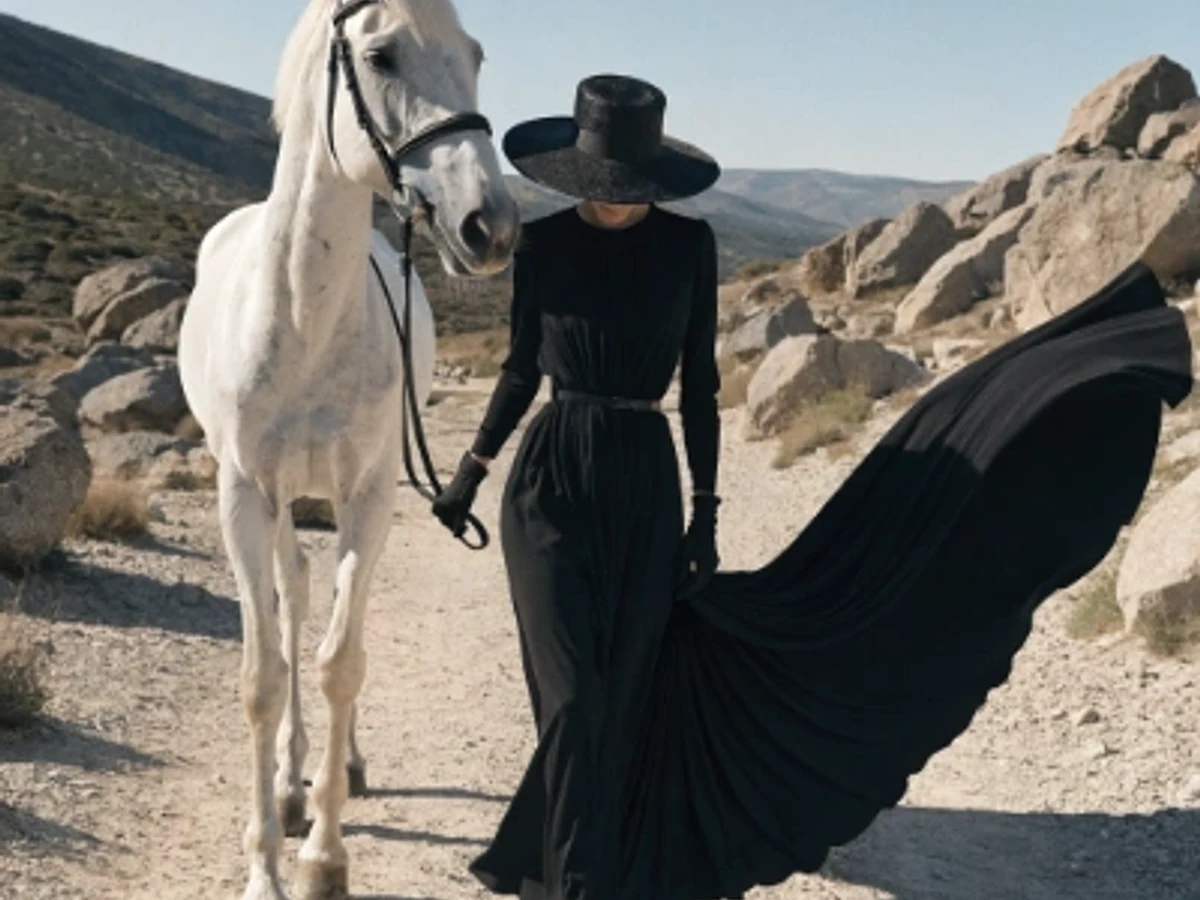
Seedream 5.0 Pro
Vivid color and strong artistic depth
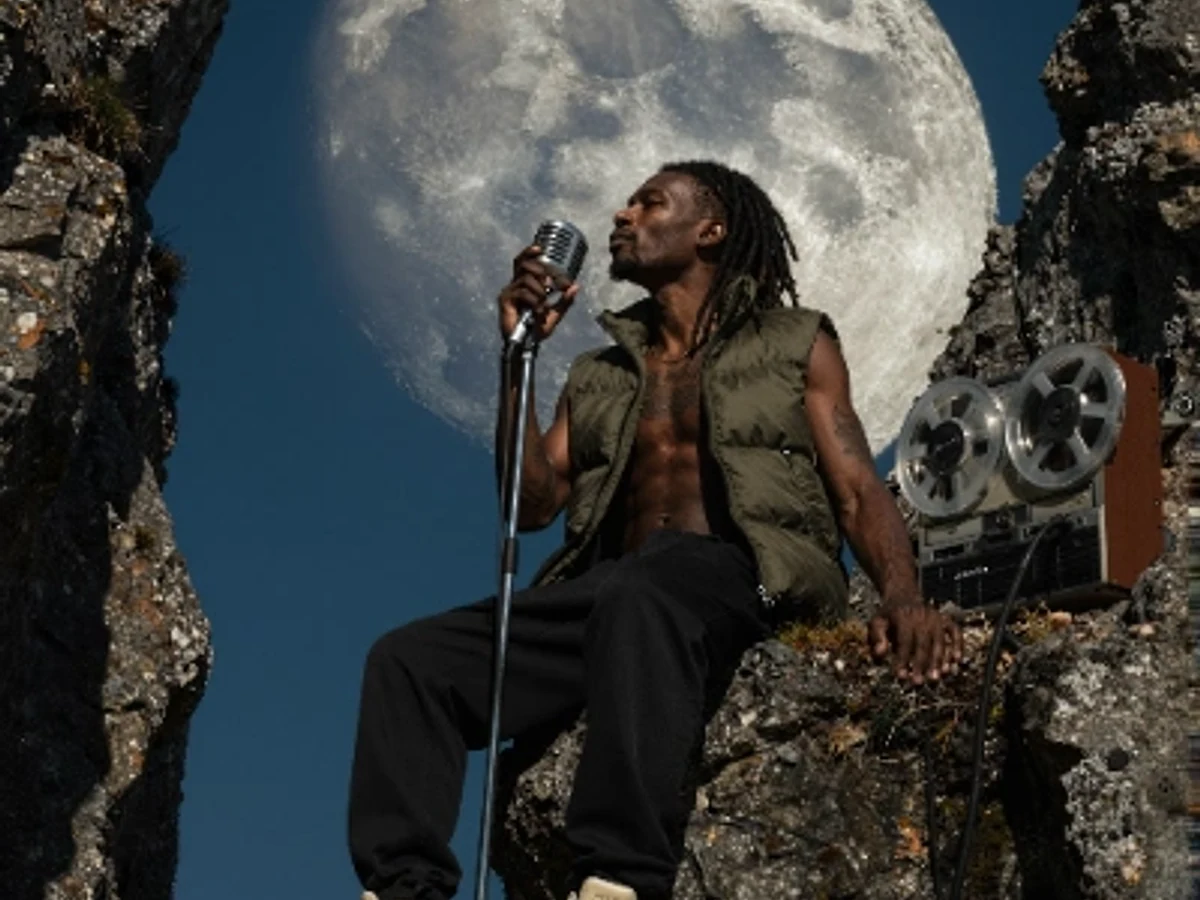
PixelMind 2.0 Pro
Ultra-detailed, brand-ready visuals

GPT Image 2
Precise prompts and clean text rendering
Kling 3.0
4K cinematic video with long clips
Veo 3.1 Pro
Native audio and cinematic 4K output
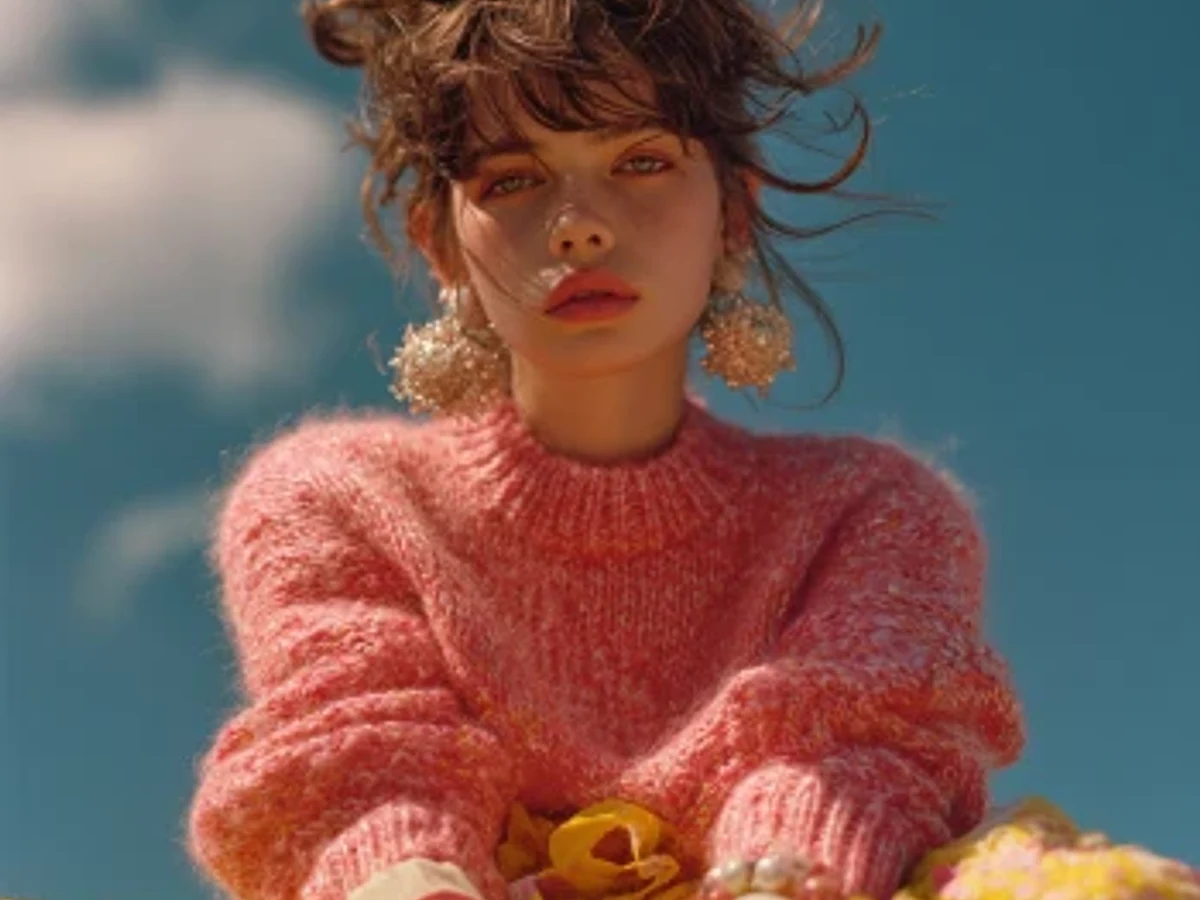
Nano Banana 2
Character consistency and smart edits
無料で始める
無料で始めて、ツールを変更せずに拡張可能
PixelMind 2.0 Slow Mode をカードなしで使用します。クリーンなエクスポート、商用利用、およびより多くの画像またはビデオ容量が必要な場合、Pro は $20/月 から始まります。