miễn phí Chân dung phác thảo AI Máy phát điện
Biến bất kỳ bức ảnh nào thành một bức chân dung phác thảo theo phong cách vẽ tay trong vài giây - bút chì, than, nghệ thuật đường nét và hơn thế nữa. Chỉ cần tải ảnh lên, không cần kỹ năng vẽ.
25 free credits every day · No credit card required
Ý tưởng gợi ý phác thảo
Nhấn vào lời nhắc để bắt đầu tạo ngay lập tức.
Một bản phác thảo you, not a stranger
Hầu hết các công cụ AI miễn phí chỉ vẽ một khuôn mặt ngẫu nhiên. PixelMind bắt đầu từ ảnh thật của bạn. Tải lên một bức chân dung và sử dụng image-to-image — the AI keeps the likeness while redrawing it as a pencil, charcoal or line-art sketch.
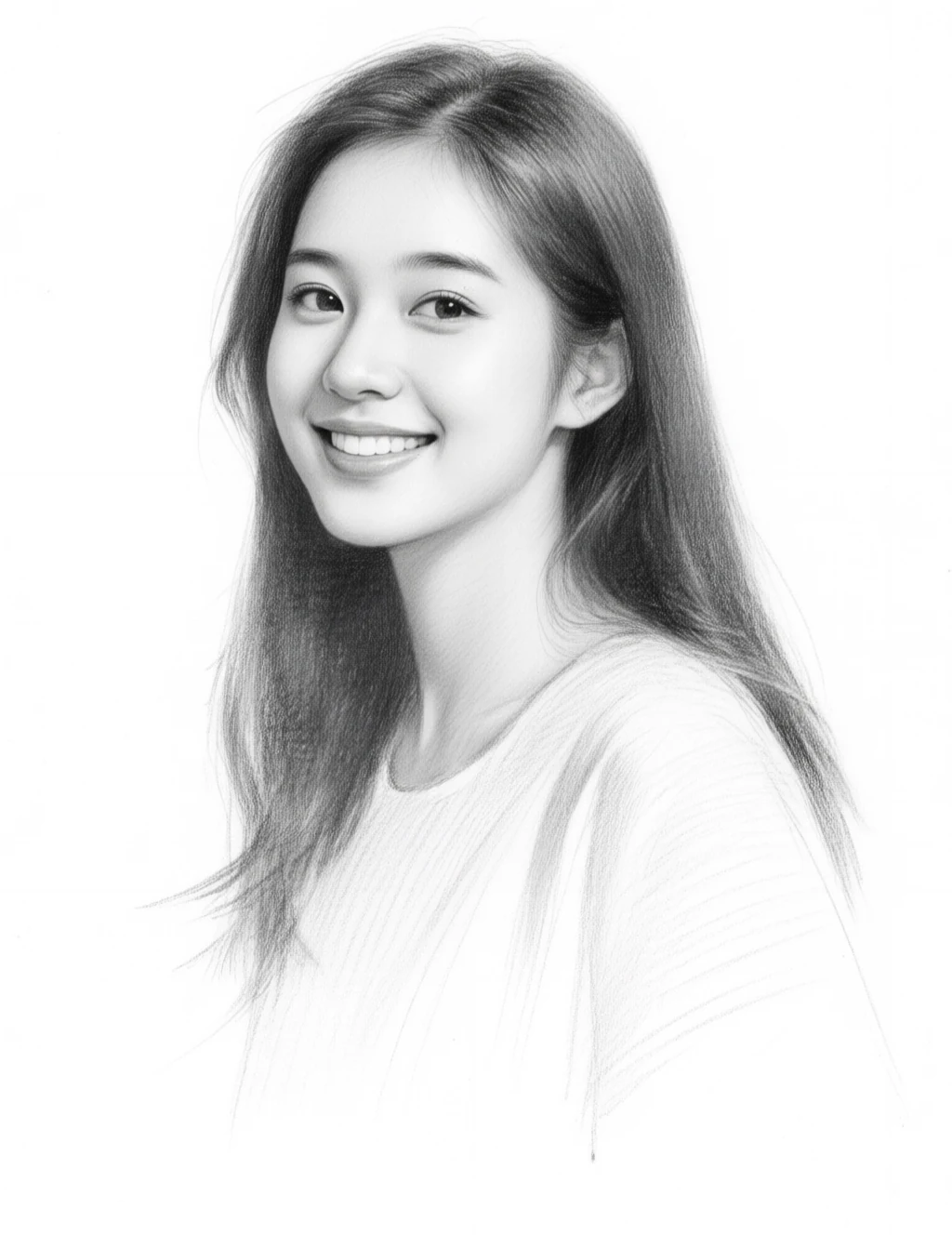
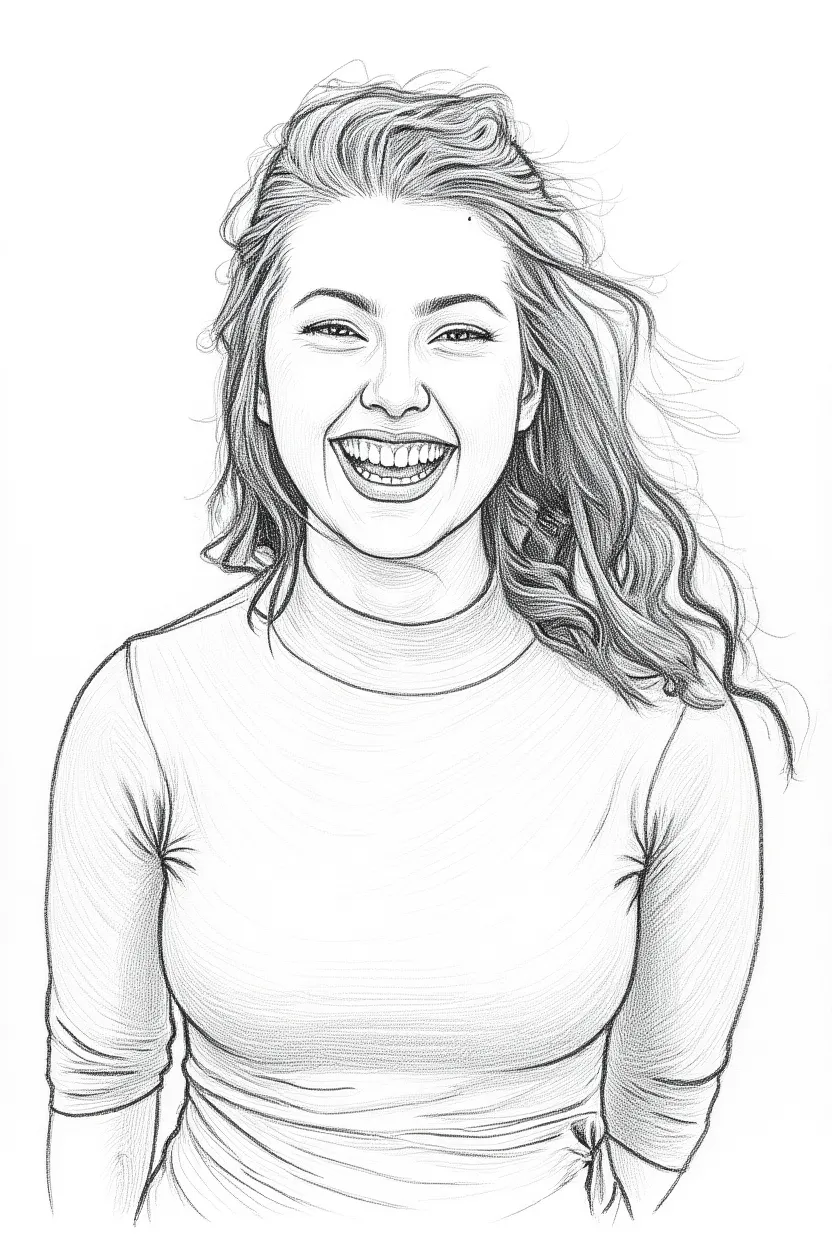
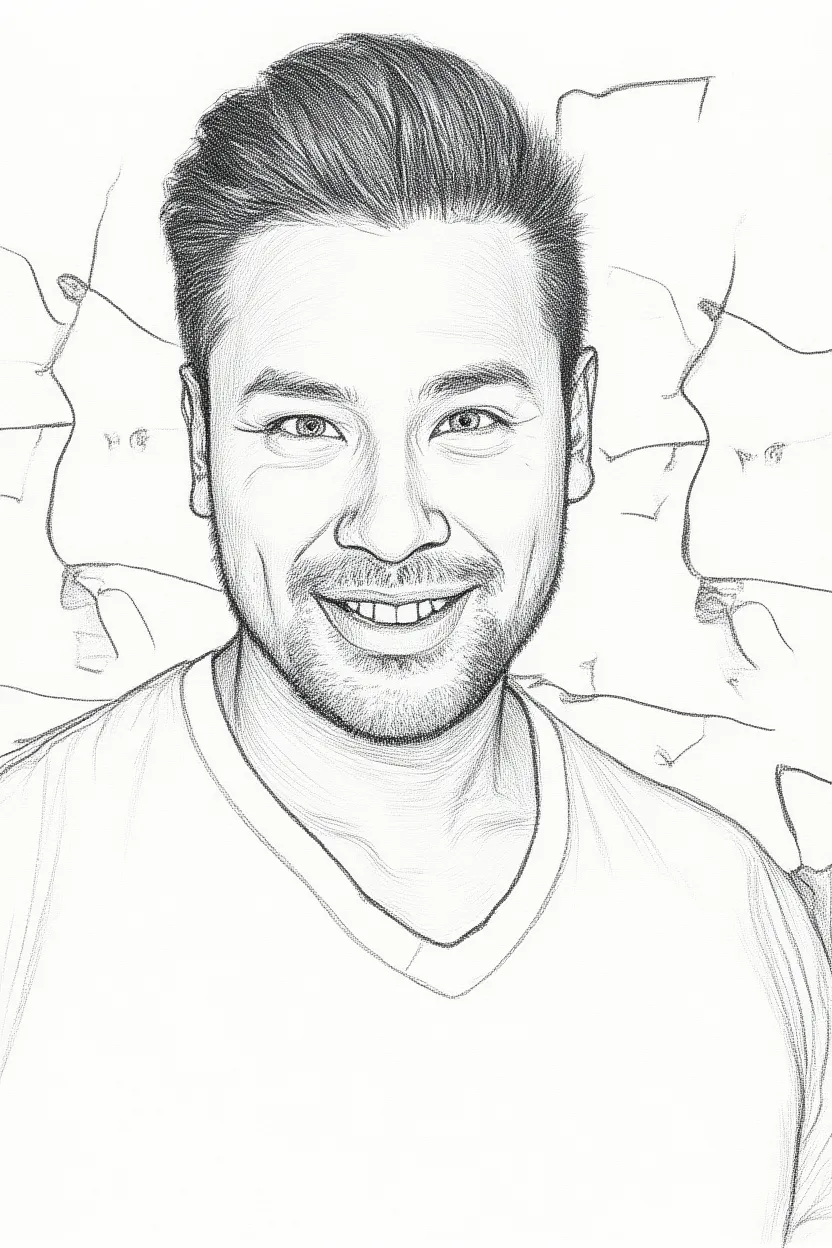
thực sketch results
Một bức chân dung vẽ tay bằng bút chì vẫn thể hiện được con người thật - chân dung được giữ nguyên, đường nét được thêm vào. Mỗi chiếc đều được làm bằng PixelMind chỉ từ một bức ảnh selfie.
Cách vẽ chân dung phác họa bằng AI
Upload your photo
Drop in a selfie or any portrait photo and use image-to-image to turn it into a hand-drawn sketch — or describe a sketch from scratch.
Pick a sketch style
Graphite pencil, charcoal, single-line art, cross-hatching — tap a preset prompt or describe the exact drawing style you want.
Generate & download
Get a hand-drawn style portrait in seconds. Upscale to 4× for crisp prints and download — no watermark on paid plans.
Mọi người làm gì với trình tạo phác thảo
Gifts & keepsakes
Turn a favorite photo into a sketch portrait as a heartfelt gift.
Prints & wall art
Create framable pencil portraits of family, friends or pets.
Profile & avatars
Use a stylish line-art version of yourself across social profiles.
Art studies & refs
Generate sketch references to learn from or build on.
Câu hỏi thường gặp về trình tạo chân dung phác thảo AI
Is the AI sketch portrait generator free?+
Yes. You get free credits every day to create sketch portraits — no credit card required to start. Paid plans add faster generation, higher resolution and remove the watermark.
Can I turn my own photo into a sketch?+
Yes — that's the main use. Upload a photo and use image-to-image, and the AI redraws it as a pencil, charcoal or line-art portrait while keeping the likeness.
What sketch styles can I make?+
Graphite pencil, charcoal, single-line art, cross-hatching ink and more. Describe the style in your own words or tap a preset prompt.
What photo works best?+
A clear, well-lit portrait with the face in focus gives the best result. Front-facing photos with simple backgrounds work especially well.
Can I use the sketches commercially?+
Yes. You own the images you generate and can use them for gifts, prints, social posts and other commercial contexts.
Khám phá các phong cách nghệ thuật AI khác
Sẵn sàng để phác thảo của bạn portrait?
Bắt đầu miễn phí với 25 tín dụng mỗi ngày — không cần thẻ tín dụng, không cần cam kết.
Tạo bản phác thảo của bạn — miễn phí →