 一个工作室,完成 AI 图片、视频与编辑
先用 PixelMind 2.0 免费创作;需要更强效果时,可随时切换 GPT Image、Nano Banana、Seedream、Kling、Veo 或 Seedance。
Prompt to clip
Text to Video
PixelMind Video ProWrite a scene and create a short clip for ads, social posts or concept testing.
启动此工作流程
Still image to motion
Image to Video
Kling 3.0 TurboUpload a product, portrait or visual reference and add natural camera motion.
启动此工作流程
For ecommerce and launches
Product Video
Veo 3.1 FastCreate short ecommerce demos, marketplace clips and launch visuals from one prompt.
启动此工作流程
For social campaigns
Ad Video
Seedance 2.5Start a scroll-stopping product or service ad with a clear hook and benefit.
启动此工作流程
Presenter concepts
Avatar Video
PixelMind VideoDraft an avatar-style presenter clip for explainers, demos and landing pages.
启动此工作流程
工作流程
在一个集中的流程中从提示到可用的创意
PixelMind 专为快速创意决策而设计:生成、比较、改进和重复使用结果,而无需重建您的设置。
Write the result you want
Describe a product shot, portrait, social post, logo, room design or cinematic scene in plain English.
Choose the right path
Use free PixelMind 2.0 Slow Mode, spend credits on a premium model, upload a reference, or open a template when you need a repeatable style.
Refine, animate or export
Download the image, remove the background, upscale it, edit it, or turn it into a short AI video.
工作区如何运作
从提示到最终视觉效果的更清晰的路径。

Commercial image workflow
Start with the real product, then build the campaign around it.
Upload a product photo, preserve the product, then choose a clean listing, ad or social direction. The model, reference-image limit and cost stay visible before you create.
Open product photo workflow
Controlled video workflow
Turn a still idea into a short clip with the right video model.
Select a model for its actual strengths, then set only the lengths, resolution and audio options that model supports. Create a quick draft first, then move up when quality matters.
Open Seedance 2.5 workflow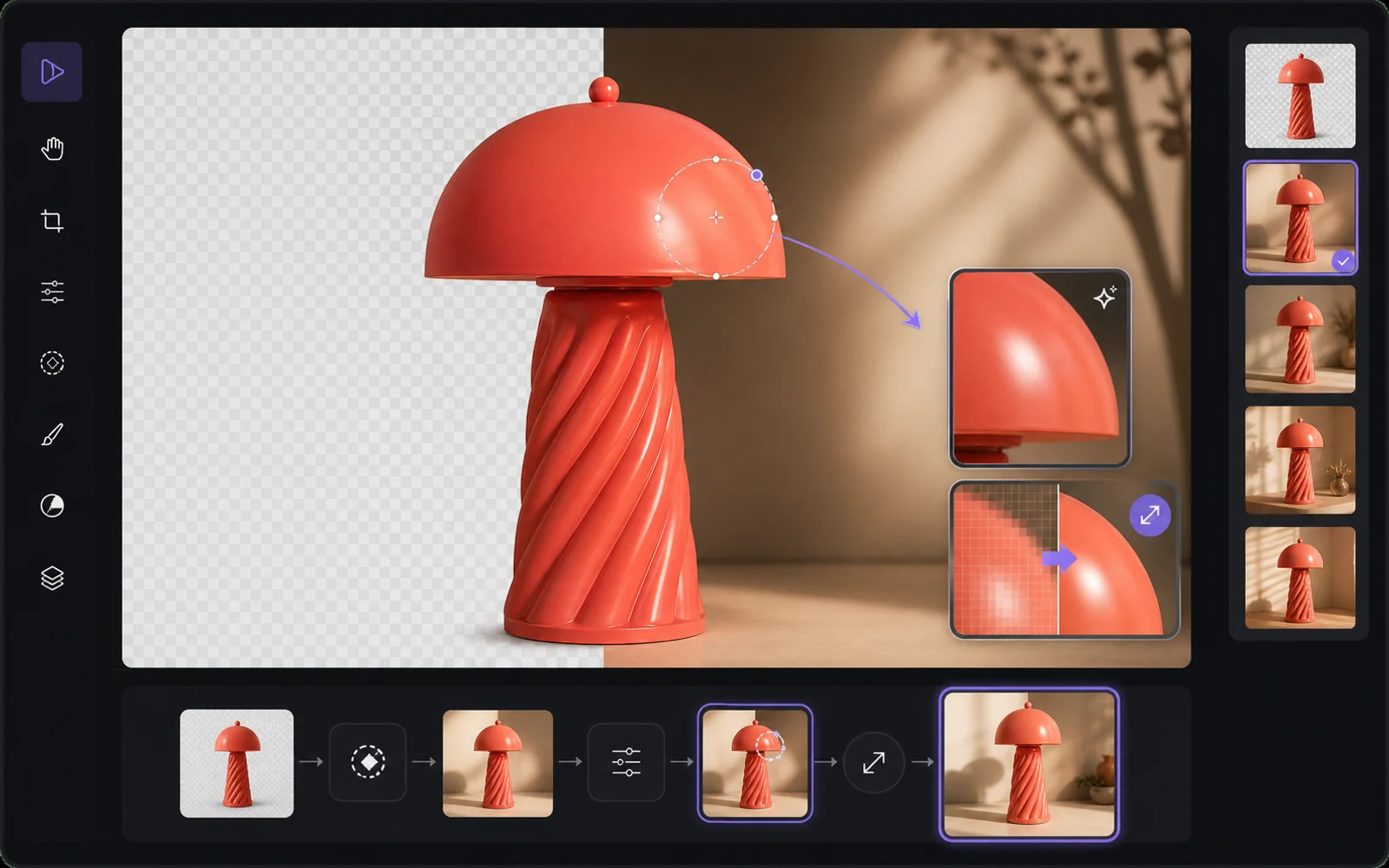
Finish the useful version
Improve the result without starting from zero.
Reuse a result as a reference, remove the background, upscale it or make a targeted edit. PixelMind keeps the next step close to the result instead of sending people back to an empty prompt box.
Open image editor为什么选择PixelMind
适合视觉传达人员的实用 AI 图像生成器
PixelMind AI 将文本到图像、图像到视频、AI 照片编辑和可重复使用的样式结合在一个专注的 Web 应用程序中。
Create without setup
Start from a prompt, a reference image or a ready-made template. No model setup, plugin chain or prompt engineering required.
One workspace for image and video
Generate images, animate stills, create video from text, remove backgrounds and upscale results without leaving the same flow.
Built for real projects
Use PixelMind for product photos, social posts, thumbnails, portraits, concept art, ads and client-ready visual drafts.
Fast iteration
Try variations quickly, remix gallery prompts and reuse your own results as references for the next image or video.
Clear upgrade path
Start in free Slow Mode, then move to Pro, Ultimate or Max for more credits, cleaner exports and commercial use.
Privacy-aware by design
Guest results are temporary, signed-in users control their history, and generation flows avoid surprising credit charges.
为实际创作而设计
制作人们可以实际使用的视觉效果
PixelMind不仅仅是一个提示框。它将生成、编辑、视频和模板连接起来,以便访问者可以从好奇转向可用的结果。
Marketing teams
Create ad concepts, product angles, campaign visuals and social posts before booking a full shoot.
Creators
Turn rough ideas into thumbnails, profile images, short videos, covers and repeatable visual styles.
Small businesses
Generate clean product photos, remove backgrounds and test visual ideas without hiring a design team first.
从工作开始
适用于实际工作的流行 AI 生成器
选择您需要完成的作业,打开正确的重点工具,然后在 Studio 中优化结果,而无需重建您的设置。
Product photos
Create clean product shots, lifestyle scenes and ad visuals from a short prompt.
Professional headshots
Turn a casual portrait into polished profile photos for LinkedIn, teams and resumes.
Image to video
Animate still images into short clips for social posts, ads and creator experiments.
Logo ideas
Explore logo directions, icons and brand marks before refining the final concept.
Room redesign
Preview interior styles and layout ideas from a room photo or written direction.
Background remover
Remove backgrounds from product, portrait and marketplace images in one step.
快速入门
选择一个模型并 立即创作
选择喜欢的 AI 模型,立即开始创作,无需额外设置。
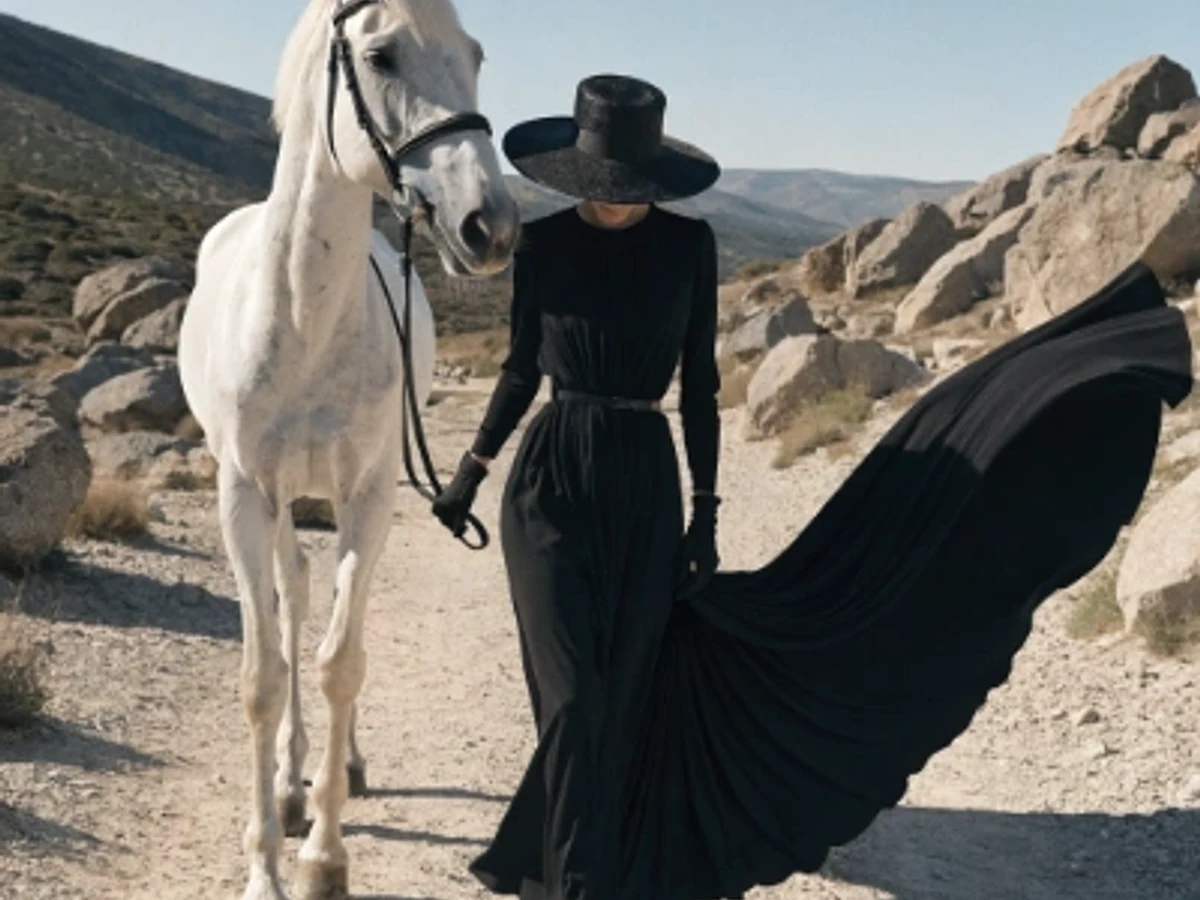
Seedream 5.0 Pro
Vivid color and strong artistic depth
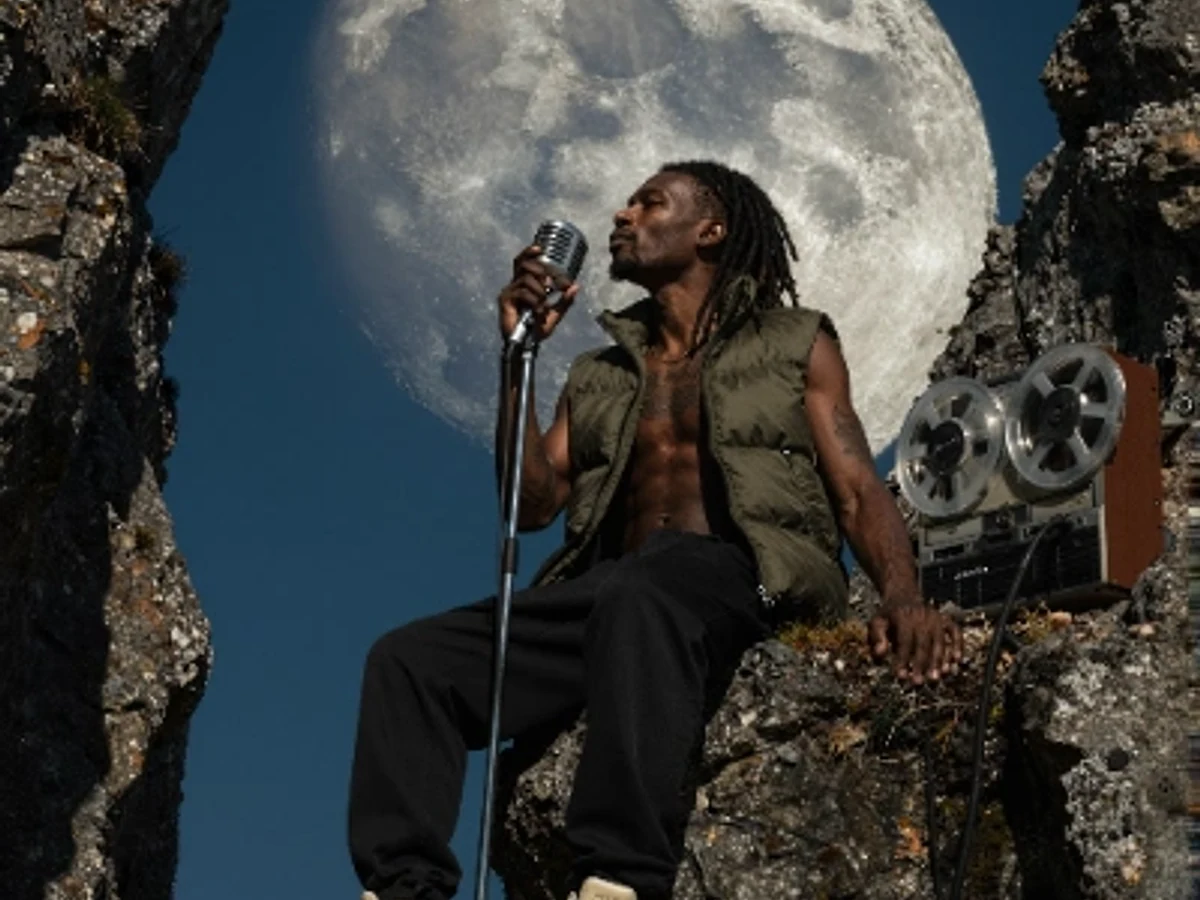
PixelMind 2.0 Pro
Ultra-detailed, brand-ready visuals

GPT Image 2
Precise prompts and clean text rendering
Kling 3.0
4K cinematic video with long clips
Veo 3.1 Pro
Native audio and cinematic 4K output

Nano Banana 2
Character consistency and smart edits
免费开始
先免费创作,需要时再升级,无需更换工具
PixelMind 2.0 慢速模式无需绑卡即可使用。当你需要无水印导出、商业使用或更多图片和视频用量时,可升级至每月 $20 起的 Pro 套餐。