 Et AI Studio til Billeder, video og redigering
Start gratis med PixelMind 2.0, og skift derefter til GPT Image, Nano Banana, Seedream, Kling, Veo eller Seedance, når jobbet har brug for mere.
Start gratis, skaler, når du er klar
Én arbejdsgang, fire klare kapacitetsniveauer
Video arbejdsgange
Start med det videojob, brugerne faktisk har brug for
Video føles premium, når indgangspunkterne er specifikke. Vælg tekst til video, billede til video, produktvideo, annoncevideo eller avatarvideo, og start derefter med en prompt, der allerede passer til jobbet.
Prompt to clip
Text to Video
PixelMind Video ProWrite a scene and create a short clip for ads, social posts or concept testing.
Start denne arbejdsgang
Still image to motion
Image to Video
Kling 3.0 TurboUpload a product, portrait or visual reference and add natural camera motion.
Start denne arbejdsgang
For ecommerce and launches
Product Video
Veo 3.1 FastCreate short ecommerce demos, marketplace clips and launch visuals from one prompt.
Start denne arbejdsgang
For social campaigns
Ad Video
Seedance 2.5Start a scroll-stopping product or service ad with a clear hook and benefit.
Start denne arbejdsgang
Presenter concepts
Avatar Video
PixelMind VideoDraft an avatar-style presenter clip for explainers, demos and landing pages.
Start denne arbejdsgang
Arbejdsgang
Fra hurtig til brugbar kreativ i ét fokuseret flow
PixelMind er designet til hurtige kreative beslutninger: generer, sammenlign, forbedre og genbrug resultatet uden at genopbygge din opsætning.
Write the result you want
Describe a product shot, portrait, social post, logo, room design or cinematic scene in plain English.
Choose the right path
Use free PixelMind 2.0 Slow Mode, spend credits on a premium model, upload a reference, or open a template when you need a repeatable style.
Refine, animate or export
Download the image, remove the background, upscale it, edit it, or turn it into a short AI video.
Sådan fungerer arbejdsområdet
En klarere vej fra prompt til færdig visualisering.

Commercial image workflow
Start with the real product, then build the campaign around it.
Upload a product photo, preserve the product, then choose a clean listing, ad or social direction. The model, reference-image limit and cost stay visible before you create.
Open product photo workflow
Controlled video workflow
Turn a still idea into a short clip with the right video model.
Select a model for its actual strengths, then set only the lengths, resolution and audio options that model supports. Create a quick draft first, then move up when quality matters.
Open Seedance 2.5 workflow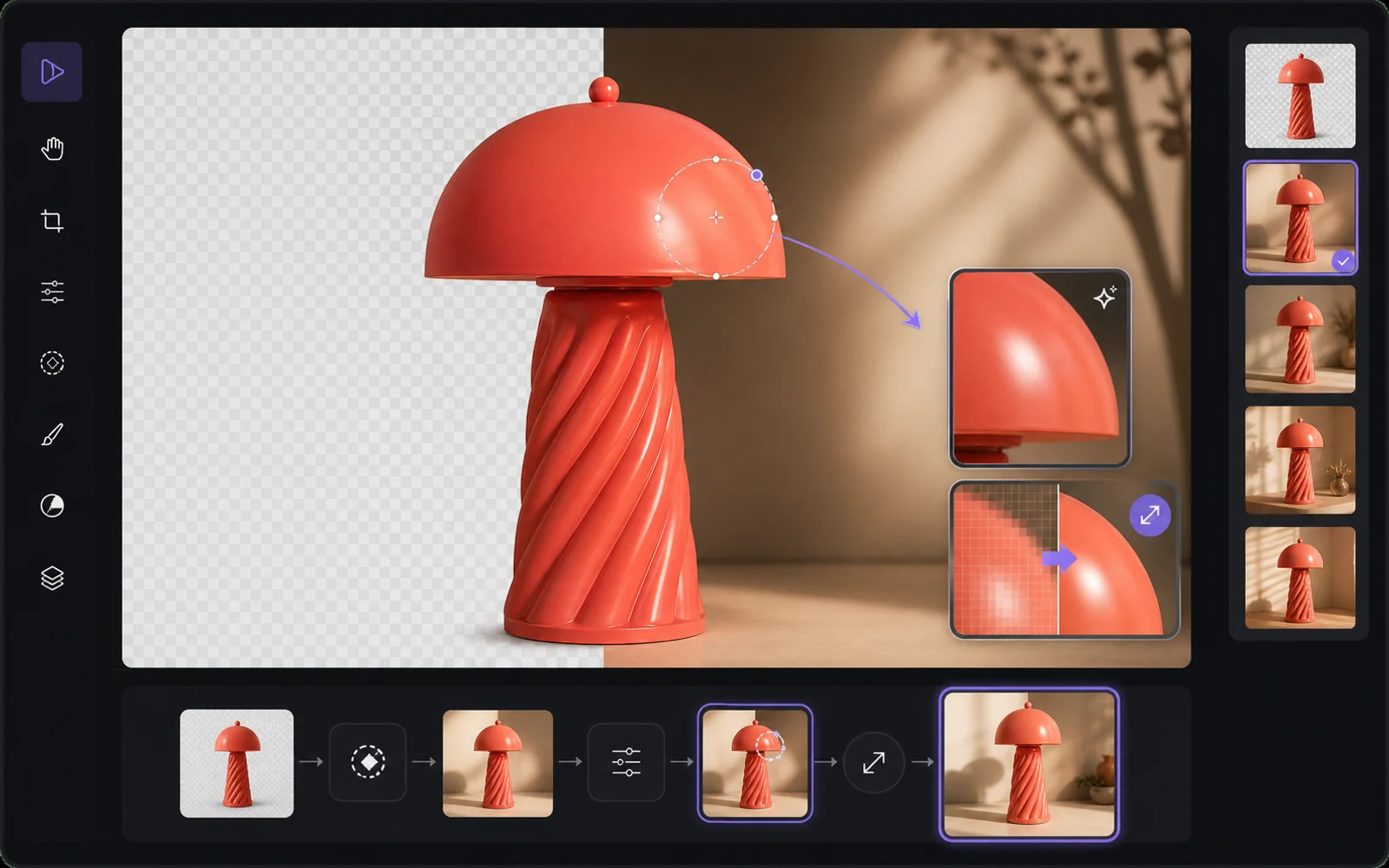
Finish the useful version
Improve the result without starting from zero.
Reuse a result as a reference, remove the background, upscale it or make a targeted edit. PixelMind keeps the next step close to the result instead of sending people back to an empty prompt box.
Open image editorHvorfor PixelMind
En praktisk AI-billedgenerator til folk, der sender billeder
PixelMind AI kombinerer tekst-til-billede, billede-til-video, AI-fotoredigering og genanvendelige stilarter i én fokuseret web-app.
Create without setup
Start from a prompt, a reference image or a ready-made template. No model setup, plugin chain or prompt engineering required.
One workspace for image and video
Generate images, animate stills, create video from text, remove backgrounds and upscale results without leaving the same flow.
Built for real projects
Use PixelMind for product photos, social posts, thumbnails, portraits, concept art, ads and client-ready visual drafts.
Fast iteration
Try variations quickly, remix gallery prompts and reuse your own results as references for the next image or video.
Clear upgrade path
Start in free Slow Mode, then move to Pro, Ultimate or Max for more credits, cleaner exports and commercial use.
Privacy-aware by design
Guest results are temporary, signed-in users control their history, and generation flows avoid surprising credit charges.
Bygget til resultater
Lav visuelle elementer, som folk rent faktisk kan bruge
PixelMind er ikke kun en promptboks. Det forbinder generation, redigering, video og skabeloner, så besøgende kan bevæge sig fra nysgerrighed til et brugbart resultat.
Marketing teams
Create ad concepts, product angles, campaign visuals and social posts before booking a full shoot.
Creators
Turn rough ideas into thumbnails, profile images, short videos, covers and repeatable visual styles.
Small businesses
Generate clean product photos, remove backgrounds and test visual ideas without hiring a design team first.
Ét tilsluttet arbejdsområde
Hold hvert projekt i bevægelse
Start med en prompt eller reference, sammenlign et resultat, rediger, opskalér, fjern baggrunden eller animer den uden at genopbygge dit projekt i en anden app.
Start fra et job
Populære AI-generatorer til rigtigt arbejde
Vælg det job, du skal afslutte, åbn det rigtige fokuserede værktøj, og forfin derefter resultatet i Studio uden at genopbygge din opsætning.
Product photos
Create clean product shots, lifestyle scenes and ad visuals from a short prompt.
Professional headshots
Turn a casual portrait into polished profile photos for LinkedIn, teams and resumes.
Image to video
Animate still images into short clips for social posts, ads and creator experiments.
Logo ideas
Explore logo directions, icons and brand marks before refining the final concept.
Room redesign
Preview interior styles and layout ideas from a room photo or written direction.
Background remover
Remove backgrounds from product, portrait and marketplace images in one step.
Hurtig start
Vælg en model og Prøv nu
Hop direkte ind i din foretrukne AI-model. Ingen opsætning nødvendig.
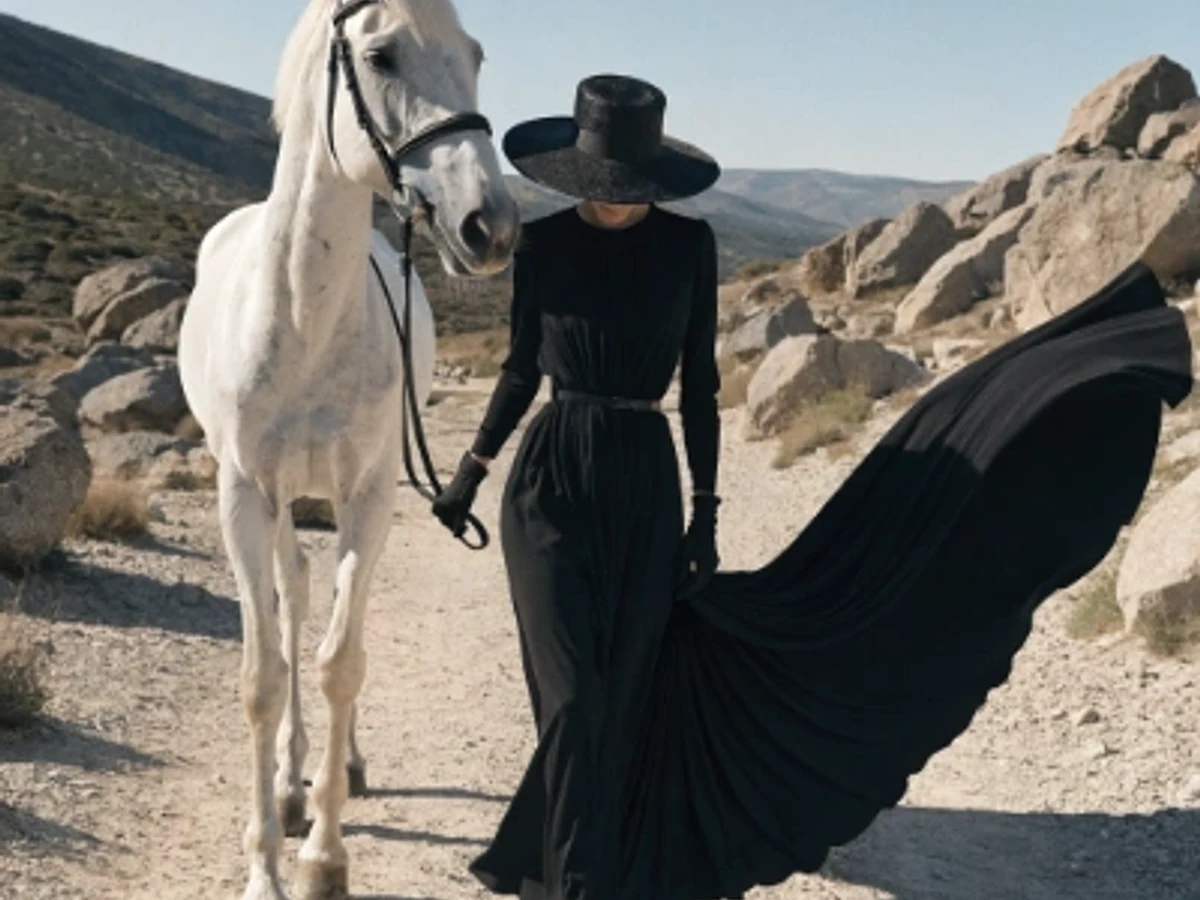
Seedream 5.0 Pro
Vivid color and strong artistic depth
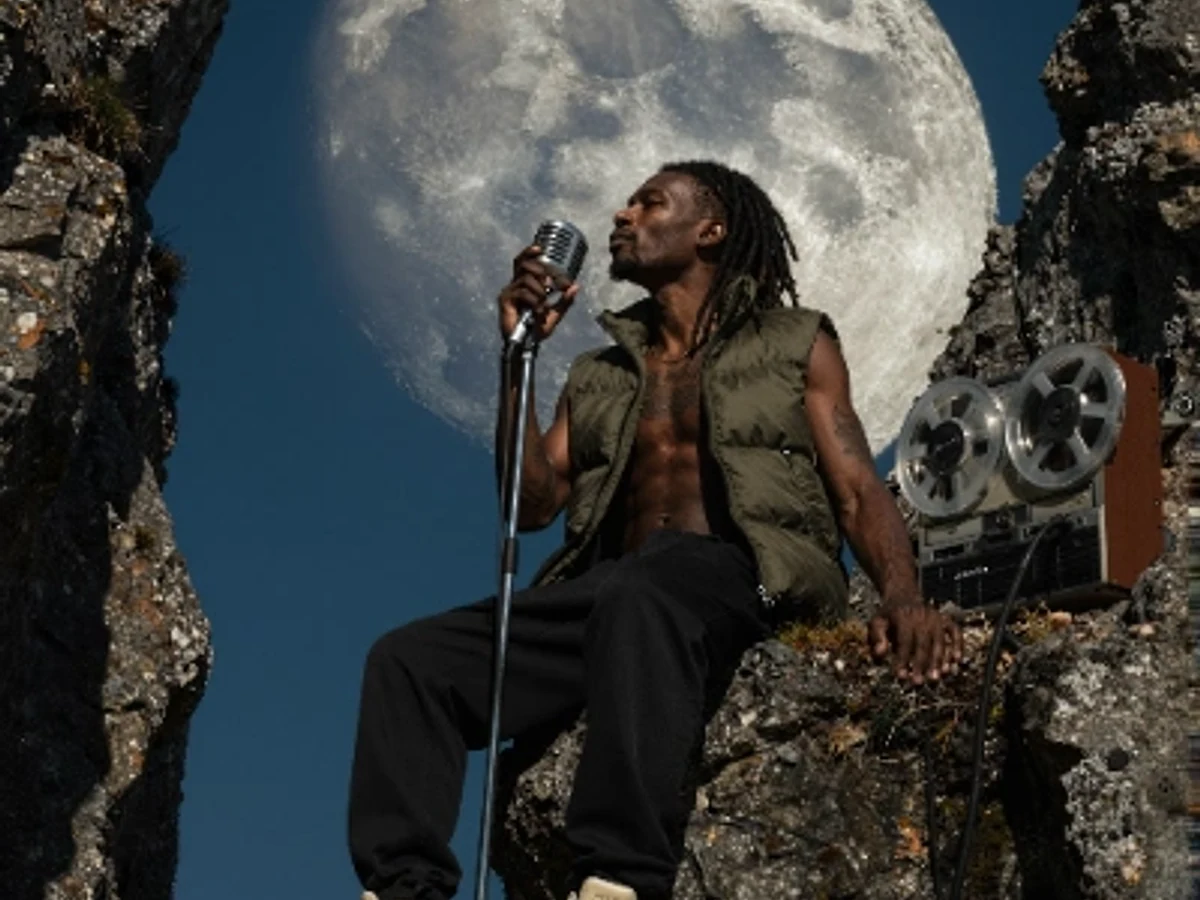
PixelMind 2.0 Pro
Ultra-detailed, brand-ready visuals

GPT Image 2
Precise prompts and clean text rendering
Kling 3.0
4K cinematic video with long clips
Veo 3.1 Pro
Native audio and cinematic 4K output

Nano Banana 2
Character consistency and smart edits
Start gratis
Start gratis, skaler derefter uden at skifte værktøj
Brug PixelMind 2.0 Slow Mode uden kort. Pro starter ved $20/måned, når du har brug for ren eksport, kommerciel brug og mere billed- eller videokapacitet.