 하나의 AI 스튜디오 이미지, 비디오 및 편집
PixelMind 2.0로 무료로 시작한 다음 작업에 더 많은 것이 필요할 때 GPT Image, Nano Banana, Seedream, Kling, Veo 또는 Seedance로 전환하세요.
무료로 시작하고 준비되면 확장하세요.
하나의 워크플로, 4가지 명확한 용량 수준
비디오 워크플로
사용자에게 실제로 필요한 비디오 작업부터 시작하세요.
진입점이 구체적이면 비디오가 프리미엄처럼 느껴집니다. 텍스트를 비디오로, 이미지를 비디오로, 제품 비디오, 광고 비디오 또는 아바타 비디오를 선택한 다음 작업에 적합한 프롬프트로 시작하세요.
Prompt to clip
Text to Video
PixelMind Video ProWrite a scene and create a short clip for ads, social posts or concept testing.
이 워크플로 시작
Still image to motion
Image to Video
Kling 3.0 TurboUpload a product, portrait or visual reference and add natural camera motion.
이 워크플로 시작
For ecommerce and launches
Product Video
Veo 3.1 FastCreate short ecommerce demos, marketplace clips and launch visuals from one prompt.
이 워크플로 시작
For social campaigns
Ad Video
Seedance 2.5Start a scroll-stopping product or service ad with a clear hook and benefit.
이 워크플로 시작
Presenter concepts
Avatar Video
PixelMind VideoDraft an avatar-style presenter clip for explainers, demos and landing pages.
이 워크플로 시작
작업 흐름
하나의 집중된 흐름을 통해 프롬프트에서 사용 가능한 광고 소재까지
PixelMind는 빠른 창의적인 결정을 위해 설계되었습니다. 즉, 설정을 다시 구성하지 않고도 결과를 생성, 비교, 개선 및 재사용할 수 있습니다.
Write the result you want
Describe a product shot, portrait, social post, logo, room design or cinematic scene in plain English.
Choose the right path
Use free PixelMind 2.0 Slow Mode, spend credits on a premium model, upload a reference, or open a template when you need a repeatable style.
Refine, animate or export
Download the image, remove the background, upscale it, edit it, or turn it into a short AI video.
작업공간 작동 방식
프롬프트에서 완성된 시각적 개체까지의 경로가 더 명확해졌습니다.
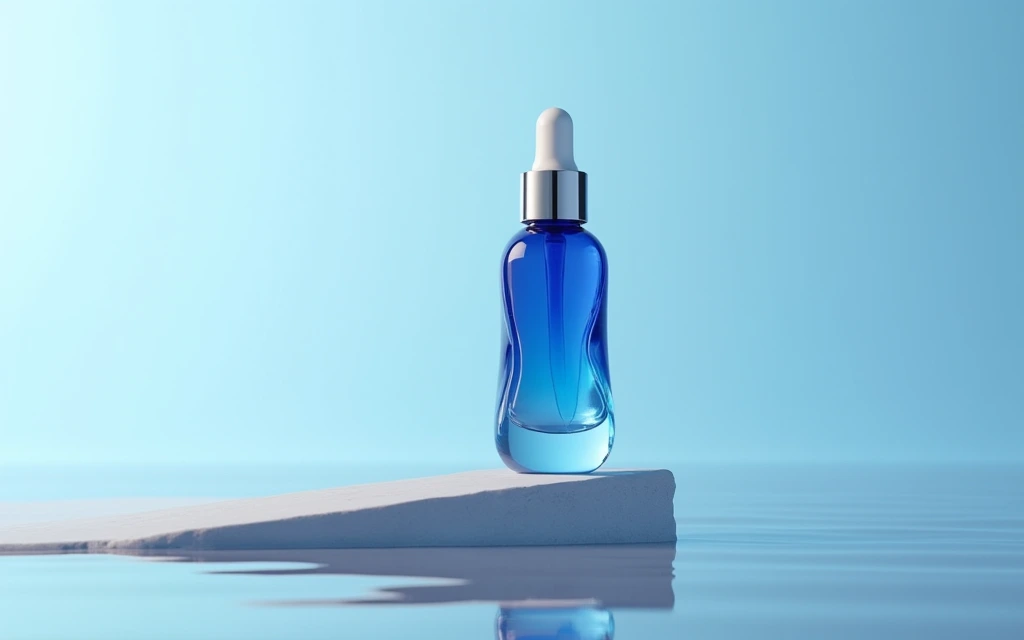
Commercial image workflow
Start with the real product, then build the campaign around it.
Upload a product photo, preserve the product, then choose a clean listing, ad or social direction. The model, reference-image limit and cost stay visible before you create.
Open product photo workflow
Controlled video workflow
Turn a still idea into a short clip with the right video model.
Select a model for its actual strengths, then set only the lengths, resolution and audio options that model supports. Create a quick draft first, then move up when quality matters.
Open Seedance 2.5 workflow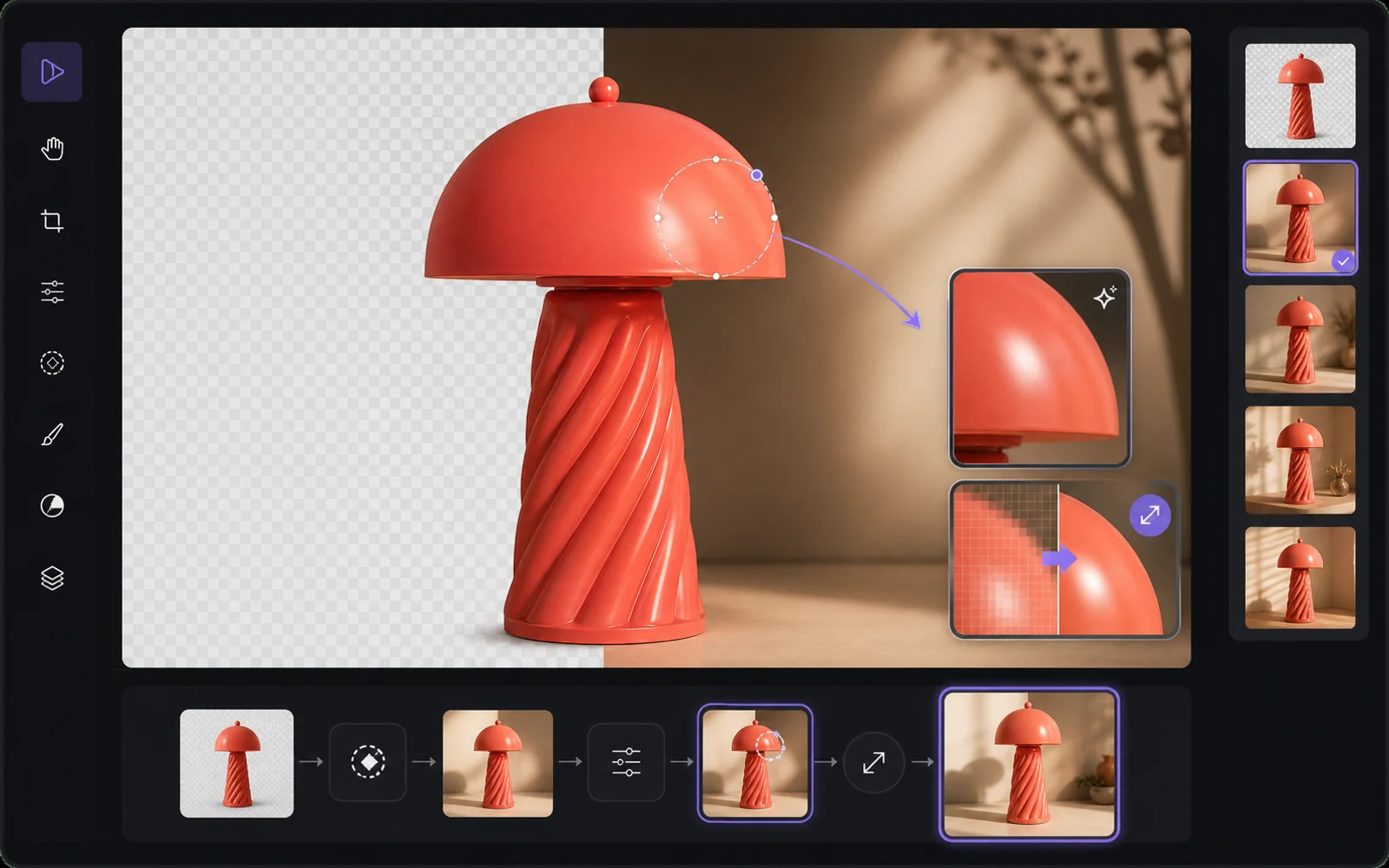
Finish the useful version
Improve the result without starting from zero.
Reuse a result as a reference, remove the background, upscale it or make a targeted edit. PixelMind keeps the next step close to the result instead of sending people back to an empty prompt box.
Open image editor왜 PixelMind인가?
영상을 발송하는 사람들을 위한 실용적인 AI 이미지 생성기
PixelMind AI는 텍스트-이미지, 이미지-비디오, AI 사진 편집 및 재사용 가능한 스타일을 하나의 집중 웹 앱에 결합합니다.
Create without setup
Start from a prompt, a reference image or a ready-made template. No model setup, plugin chain or prompt engineering required.
One workspace for image and video
Generate images, animate stills, create video from text, remove backgrounds and upscale results without leaving the same flow.
Built for real projects
Use PixelMind for product photos, social posts, thumbnails, portraits, concept art, ads and client-ready visual drafts.
Fast iteration
Try variations quickly, remix gallery prompts and reuse your own results as references for the next image or video.
Clear upgrade path
Start in free Slow Mode, then move to Pro, Ultimate or Max for more credits, cleaner exports and commercial use.
Privacy-aware by design
Guest results are temporary, signed-in users control their history, and generation flows avoid surprising credit charges.
결과를 위해 구축됨
사람들이 실제로 사용할 수 있는 시각적 자료를 만드세요.
PixelMind는 단순한 프롬프트 상자가 아닙니다. 방문자가 호기심에서 사용 가능한 결과로 이동할 수 있도록 생성, 편집, 비디오 및 템플릿을 연결합니다.
Marketing teams
Create ad concepts, product angles, campaign visuals and social posts before booking a full shoot.
Creators
Turn rough ideas into thumbnails, profile images, short videos, covers and repeatable visual styles.
Small businesses
Generate clean product photos, remove backgrounds and test visual ideas without hiring a design team first.
하나의 연결된 작업 공간
각 프로젝트를 계속 진행하세요
프롬프트 또는 참조로 시작하고, 결과를 비교한 다음, 다른 앱에서 프로젝트를 다시 빌드하지 않고도 배경을 편집, 확대, 제거하거나 애니메이션을 적용할 수 있습니다.
직장에서 시작하기
실제 업무에 널리 사용되는 AI 생성기
완료해야 하는 작업을 선택하고, 올바른 도구를 연 다음, 설정을 다시 구성하지 않고도 Studio에서 결과를 다듬을 수 있습니다.
Product photos
Create clean product shots, lifestyle scenes and ad visuals from a short prompt.
Professional headshots
Turn a casual portrait into polished profile photos for LinkedIn, teams and resumes.
Image to video
Animate still images into short clips for social posts, ads and creator experiments.
Logo ideas
Explore logo directions, icons and brand marks before refining the final concept.
Room redesign
Preview interior styles and layout ideas from a room photo or written direction.
Background remover
Remove backgrounds from product, portrait and marketplace images in one step.
빠른 시작
모델을 선택하고 지금 사용해 보세요
좋아하는 AI 모델을 바로 사용해 보세요. 설정이 필요하지 않습니다.
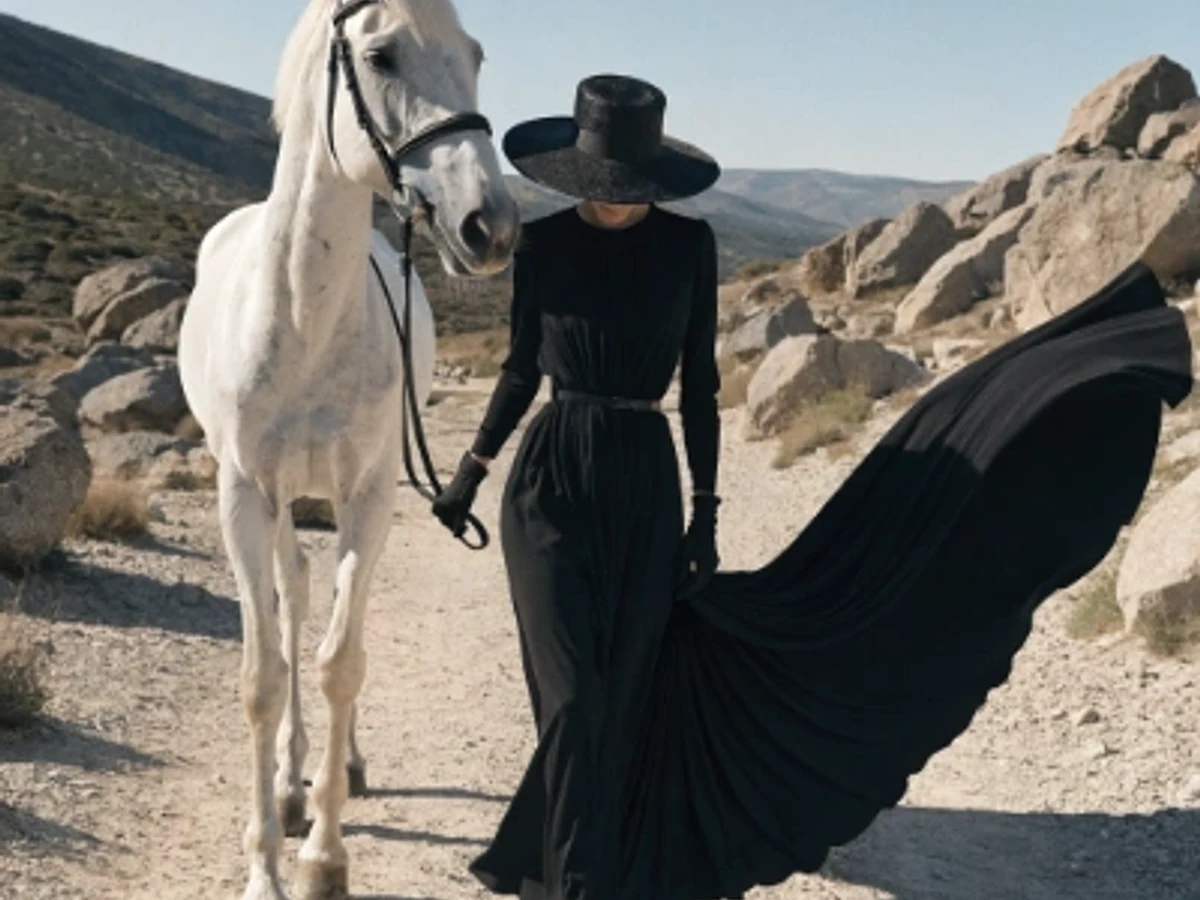
Seedream 5.0 Pro
Vivid color and strong artistic depth
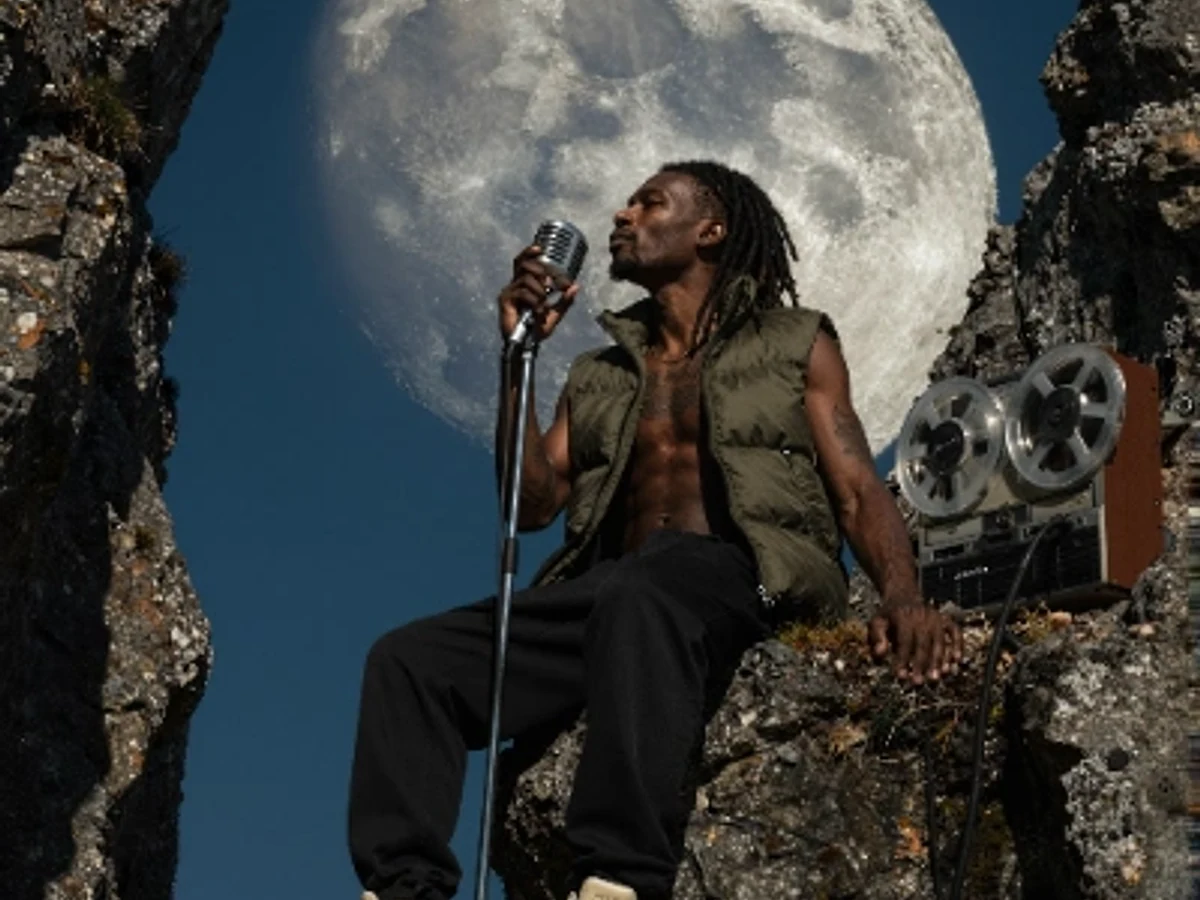
PixelMind 2.0 Pro
Ultra-detailed, brand-ready visuals

GPT Image 2
Precise prompts and clean text rendering
Kling 3.0
4K cinematic video with long clips
Veo 3.1 Pro
Native audio and cinematic 4K output

Nano Banana 2
Character consistency and smart edits
무료로 시작하세요
무료로 시작한 후 도구 변경 없이 확장 가능
카드 없이 PixelMind 2.0 Slow Mode를 사용하세요. Pro는 깨끗한 내보내기, 상업적 사용 및 더 많은 이미지 또는 비디오 용량이 필요한 경우 $20/월에서 시작합니다.