 Eén AI Studio voor Afbeeldingen, video en bewerking
Begin gratis met PixelMind 2.0 en schakel vervolgens over naar GPT Image, Nano Banana, Seedream, Kling, Veo of Seedance als de klus meer nodig heeft.
Begin gratis, schaal wanneer u klaar bent
Eén workflow, vier duidelijke capaciteitsniveaus
Videoworkflows
Begin met de videojob die gebruikers daadwerkelijk nodig hebben
Video voelt premium aan als de toegangspunten specifiek zijn. Kies tekst naar video, afbeelding naar video, productvideo, advertentievideo of avatarvideo en begin vervolgens met een prompt die al bij de taak past.
Prompt to clip
Text to Video
PixelMind Video ProWrite a scene and create a short clip for ads, social posts or concept testing.
Start deze werkstroom
Still image to motion
Image to Video
Kling 3.0 TurboUpload a product, portrait or visual reference and add natural camera motion.
Start deze werkstroom
For ecommerce and launches
Product Video
Veo 3.1 FastCreate short ecommerce demos, marketplace clips and launch visuals from one prompt.
Start deze werkstroom
For social campaigns
Ad Video
Seedance 2.5Start a scroll-stopping product or service ad with a clear hook and benefit.
Start deze werkstroom
Presenter concepts
Avatar Video
PixelMind VideoDraft an avatar-style presenter clip for explainers, demos and landing pages.
Start deze werkstroom
Werkstroom
Van snel naar bruikbaar creatief materiaal in één gerichte flow
PixelMind is ontworpen voor snelle creatieve beslissingen: genereer, vergelijk, verbeter en hergebruik het resultaat zonder uw opstelling opnieuw te hoeven opbouwen.
Write the result you want
Describe a product shot, portrait, social post, logo, room design or cinematic scene in plain English.
Choose the right path
Use free PixelMind 2.0 Slow Mode, spend credits on a premium model, upload a reference, or open a template when you need a repeatable style.
Refine, animate or export
Download the image, remove the background, upscale it, edit it, or turn it into a short AI video.
Hoe de werkruimte werkt
Een duidelijker pad van prompt naar voltooid visueel beeld.

Commercial image workflow
Start with the real product, then build the campaign around it.
Upload a product photo, preserve the product, then choose a clean listing, ad or social direction. The model, reference-image limit and cost stay visible before you create.
Open product photo workflow
Controlled video workflow
Turn a still idea into a short clip with the right video model.
Select a model for its actual strengths, then set only the lengths, resolution and audio options that model supports. Create a quick draft first, then move up when quality matters.
Open Seedance 2.5 workflow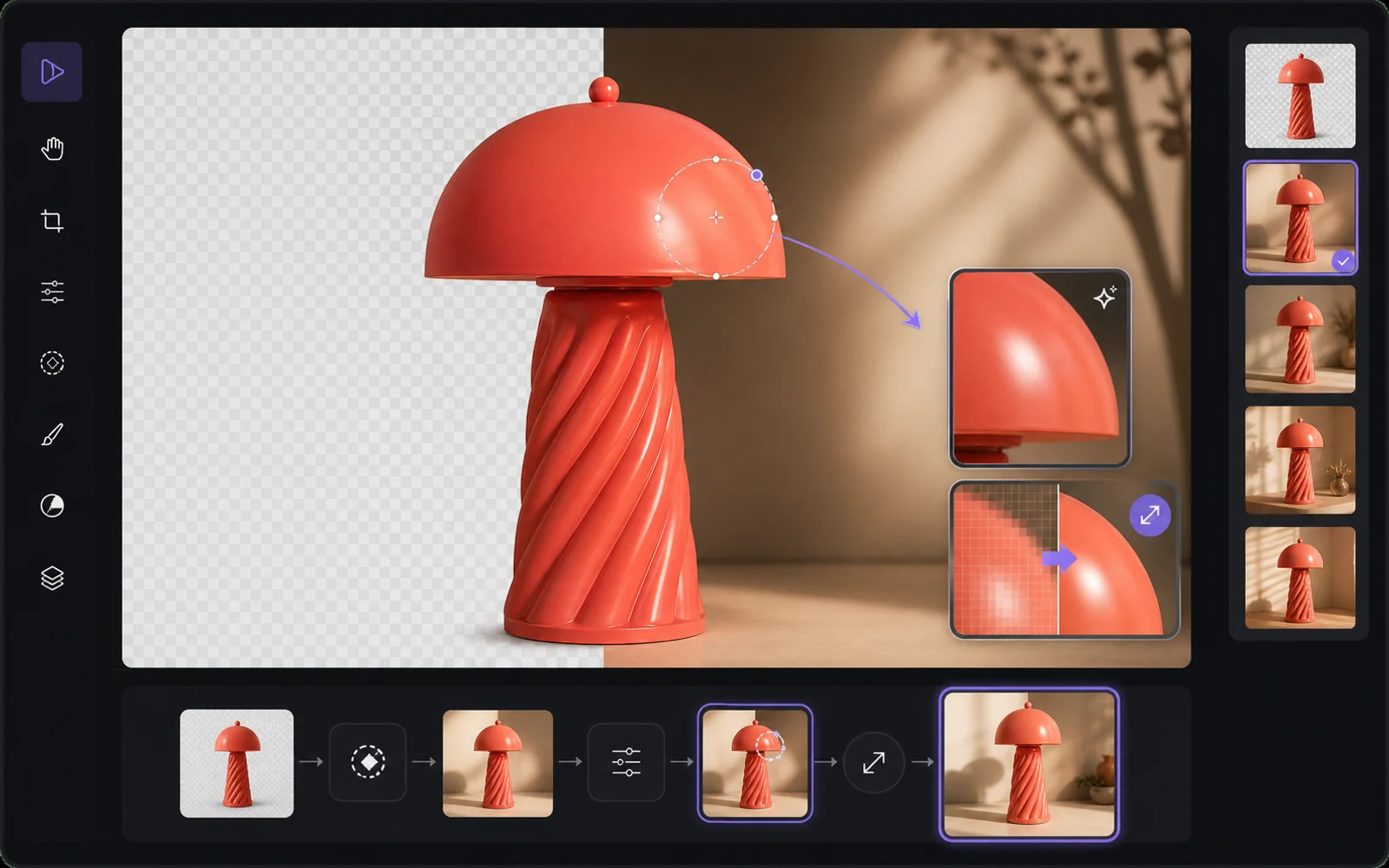
Finish the useful version
Improve the result without starting from zero.
Reuse a result as a reference, remove the background, upscale it or make a targeted edit. PixelMind keeps the next step close to the result instead of sending people back to an empty prompt box.
Open image editorWaarom PixelMind
Een praktische AI-beeldgenerator voor mensen die visuals verzenden
PixelMind AI combineert tekst-naar-afbeelding, afbeelding-naar-video, AI-fotobewerking en herbruikbare stijlen in één gerichte webapp.
Create without setup
Start from a prompt, a reference image or a ready-made template. No model setup, plugin chain or prompt engineering required.
One workspace for image and video
Generate images, animate stills, create video from text, remove backgrounds and upscale results without leaving the same flow.
Built for real projects
Use PixelMind for product photos, social posts, thumbnails, portraits, concept art, ads and client-ready visual drafts.
Fast iteration
Try variations quickly, remix gallery prompts and reuse your own results as references for the next image or video.
Clear upgrade path
Start in free Slow Mode, then move to Pro, Ultimate or Max for more credits, cleaner exports and commercial use.
Privacy-aware by design
Guest results are temporary, signed-in users control their history, and generation flows avoid surprising credit charges.
Gebouwd voor resultaten
Maak visuals die mensen daadwerkelijk kunnen gebruiken
PixelMind is niet alleen een promptvenster. Het verbindt generatie, bewerking, video en sjablonen, zodat bezoekers van nieuwsgierigheid naar een bruikbaar resultaat kunnen gaan.
Marketing teams
Create ad concepts, product angles, campaign visuals and social posts before booking a full shoot.
Creators
Turn rough ideas into thumbnails, profile images, short videos, covers and repeatable visual styles.
Small businesses
Generate clean product photos, remove backgrounds and test visual ideas without hiring a design team first.
Eén verbonden werkruimte
Houd elk project in beweging
Begin met een prompt of referentie, vergelijk een resultaat en bewerk, schaal op, verwijder de achtergrond of animeer het zonder uw project opnieuw op te bouwen in een andere app.
Begin vanuit een baan
Populaire AI-generatoren voor echt werk
Kies de taak die u wilt voltooien, open de juiste tool en verfijn het resultaat in Studio zonder uw configuratie opnieuw te hoeven opbouwen.
Product photos
Create clean product shots, lifestyle scenes and ad visuals from a short prompt.
Professional headshots
Turn a casual portrait into polished profile photos for LinkedIn, teams and resumes.
Image to video
Animate still images into short clips for social posts, ads and creator experiments.
Logo ideas
Explore logo directions, icons and brand marks before refining the final concept.
Room redesign
Preview interior styles and layout ideas from a room photo or written direction.
Background remover
Remove backgrounds from product, portrait and marketplace images in one step.
Snel beginnen
Kies een model en Probeer het nu
Spring direct in uw favoriete AI-model. Geen opstelling nodig.
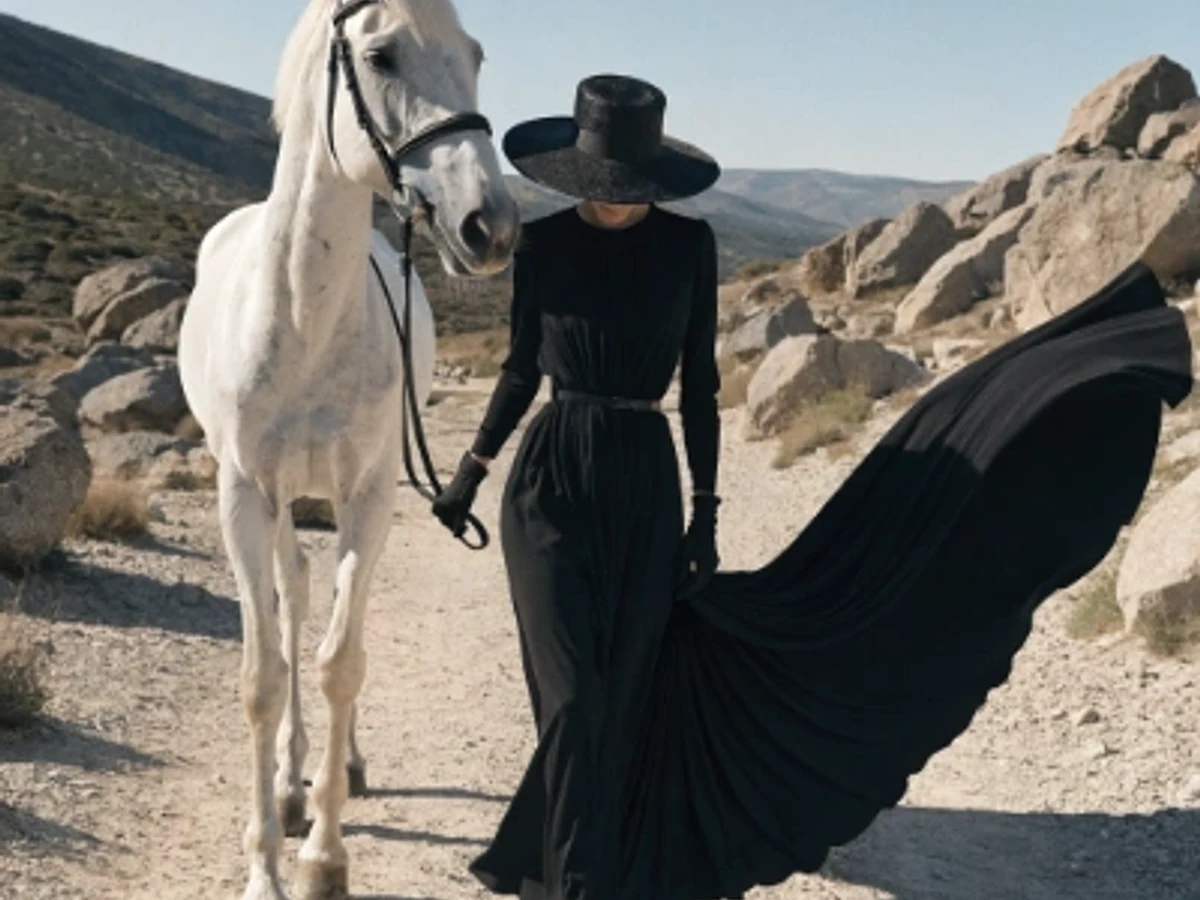
Seedream 5.0 Pro
Vivid color and strong artistic depth
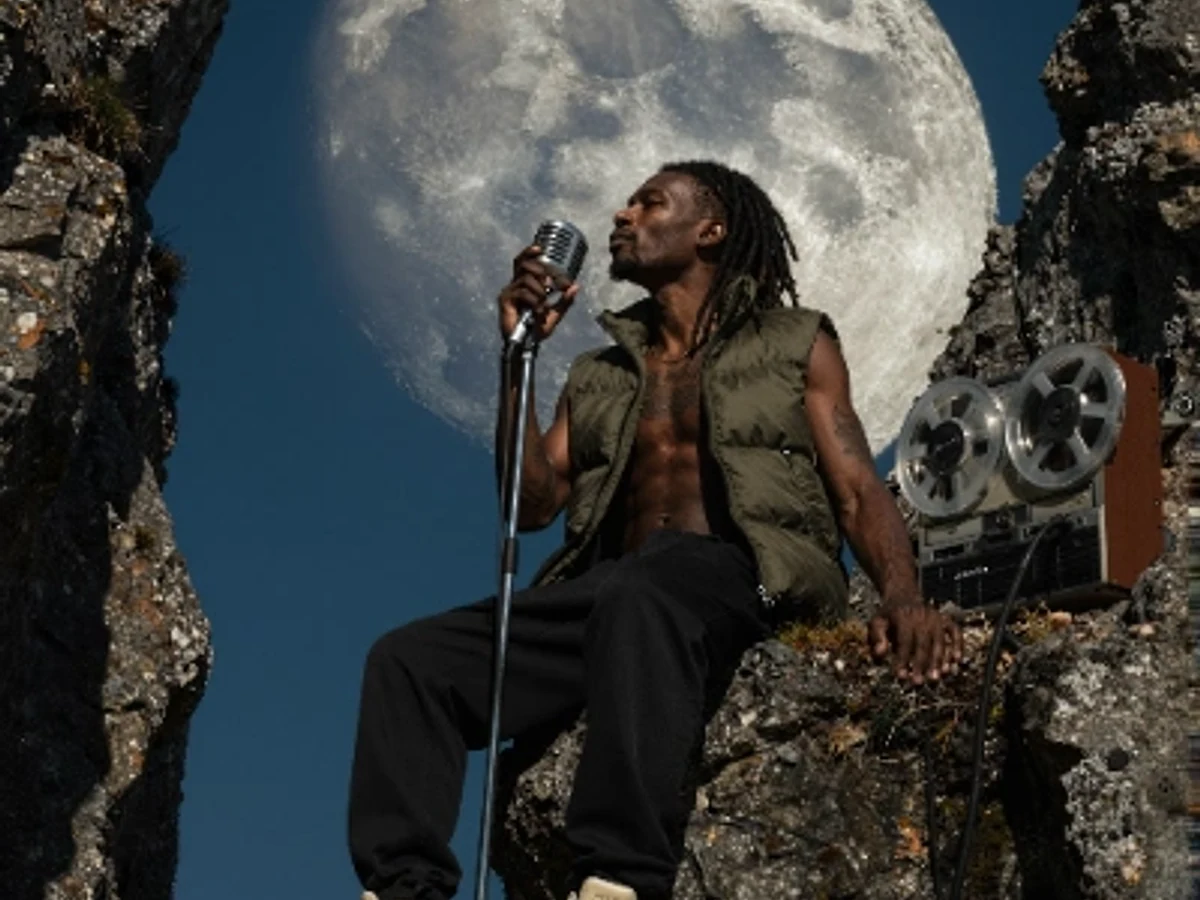
PixelMind 2.0 Pro
Ultra-detailed, brand-ready visuals

GPT Image 2
Precise prompts and clean text rendering
Kling 3.0
4K cinematic video with long clips
Veo 3.1 Pro
Native audio and cinematic 4K output

Nano Banana 2
Character consistency and smart edits
Begin gratis
Begin gratis en schaal vervolgens zonder van tool te wisselen
Gebruik PixelMind 2.0 Slow Mode zonder kaart. Pro begint bij $20/maand als u schone export, commercieel gebruik en meer beeld- of videocapaciteit nodig heeft.